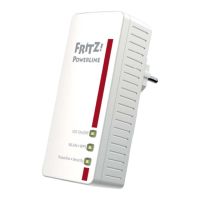
Powerline Network with FRITZ!Powerline 530E
1. Insert the FRITZ!Powerline 530E into
an electrical outlet.
2. Press the “Security” button for onese-
cond to establish a new connection.
3. Within 2 minutes, press the “Secu-
rity” button on a powerline adapter
already connected to your existing
powerline network and hold it down
for onesecond.
This expands your powerline network.
You can connect additional network
device.
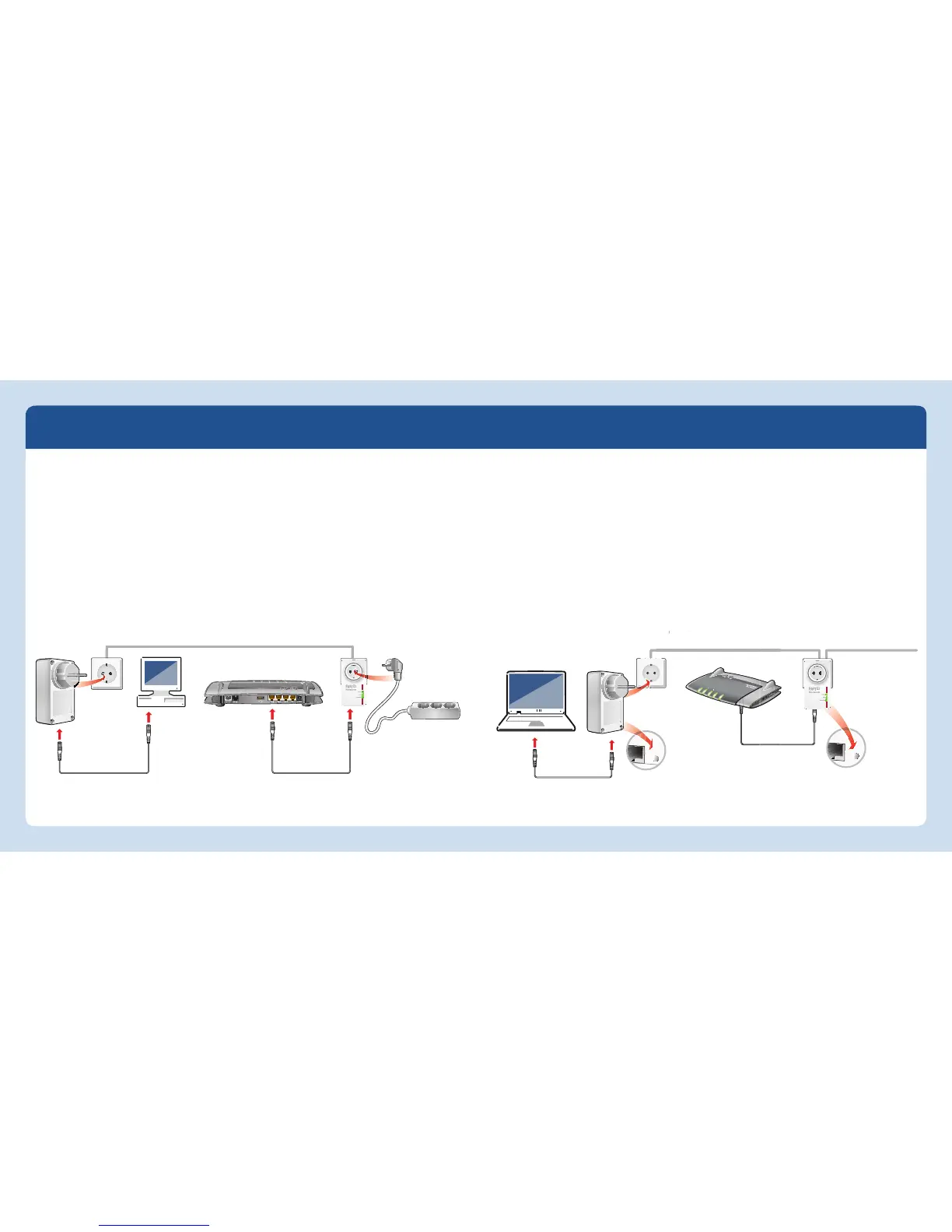
1. Plug the FRITZ!Powerline adapters into
any outlets in your home.
2. Connect your FRITZ!Box and compu-
ters or other network devices using
the white LAN cables.
3. The powerline network is established,
automatically encrypted, and can be
used immediately.
Establishing a Powerline Network with FRITZ!Powerline 530E Set Integrating FRITZ!Powerline 530E into an Existing Powerline Network
Integrating additional
powerline adapters
Powerline network with
FRITZ!Powerline 530E



 To Next Page