Establishing a Network
1. Insert the FRITZ!WLANUSB
StickAC430 in your computer.
2. Click AVM FRITZ!WLANUSB
StickAC430 Installation and
confi rm the subsequent queries. The
FRITZ!WLANUSB StickAC430 will be
installed.
3. Click the wireless network icon in
the notifi cation area of the Windows
task bar.
4. Create an adhoc network.
5. Assign a name and a network key.
6. The network is set up and awaits
users.
For details, see the FRITZ!WLANUSB
StickAC430 manual at:
avm.de/en/service.
Direct Connections
A direct connection (or adhoc network) is a network consisting of several wireless de-
vices, which does without an access point and enables simple, direct data exchange.
The network is set up by one of the wireless LAN devices; the other participants then
register with this network.
Wireless network icon
in Windows7
Adhoc network
in Windows7
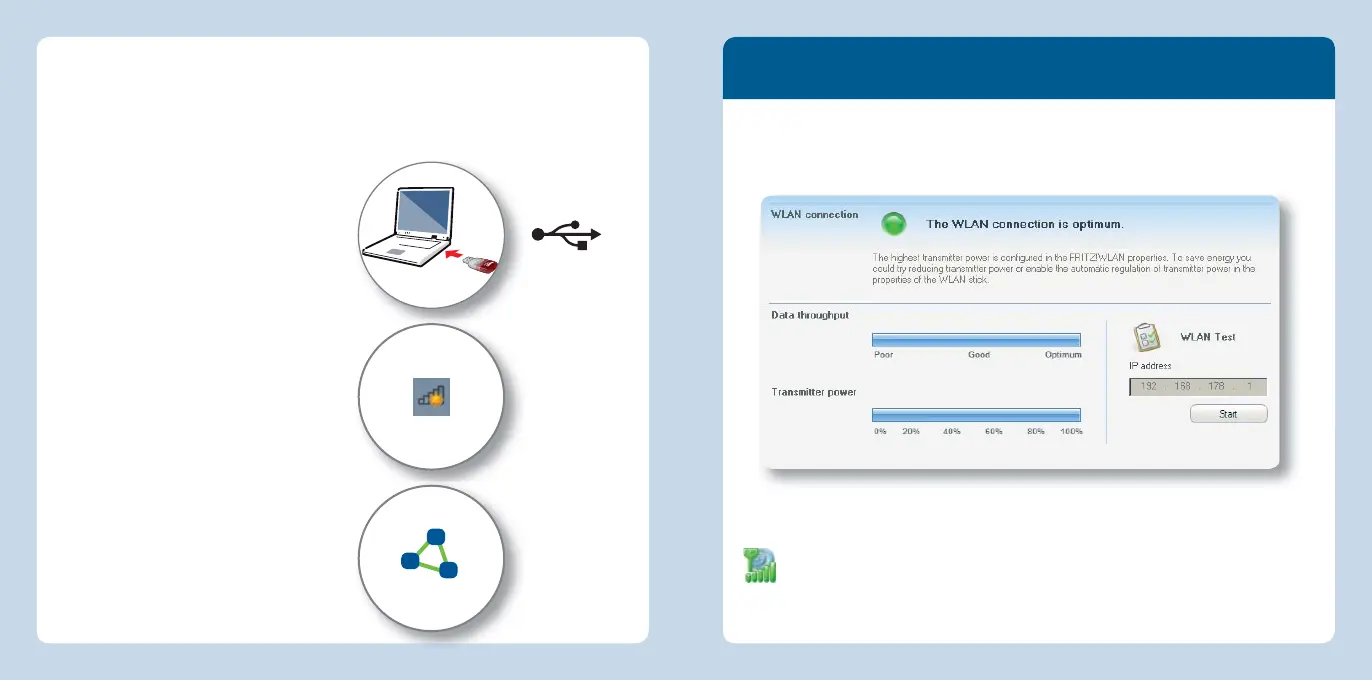
FRITZ!WLAN Software
The FRITZ!WLAN software is installed on your computer along with the FRITZ!WLANUSB
StickAC430. With FRITZ!WLAN you receive information on your wireless LAN connec-
tion and the settings of the FRITZ!WLANUSB StickAC430.
Starting FRITZ!WLAN
Double-click the FRITZ!WAN icon in the Windows task bar. FRITZ!WLAN is started.
For details, see the FRITZ!WLANUSB StickAC430 manual at:
en.avm.de/service.
10 11
English
English



 To Next Page