EasyManua.ls Logo

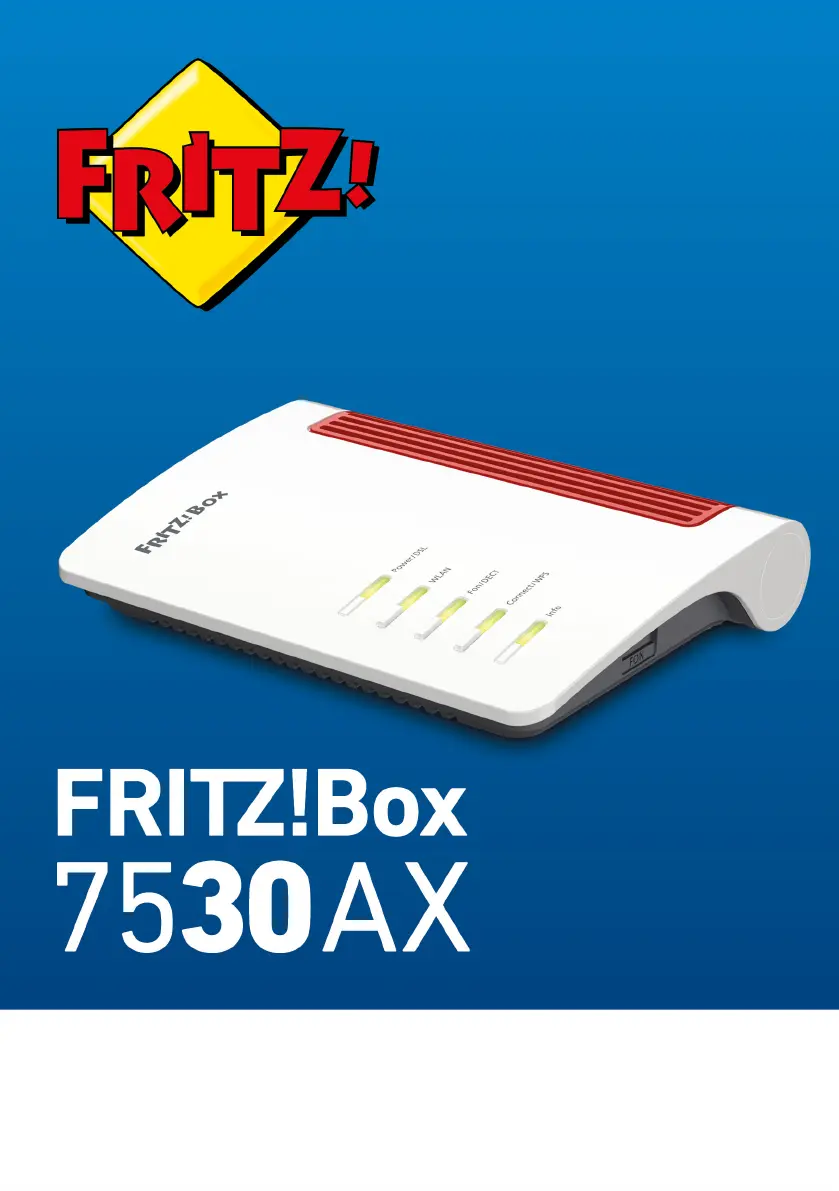
Fritz! Fritz!Box 7530AX - User Manual

Fritz! Fritz!Box 7530AX
270 pages
Print Icon
To Next Page IconTo Next Page
Loading...
Manual
FRITZ!Box 7530 AX

Table of Contents

Questions and Answers

  • J
    Jaime JonesJul 29, 2025
    Why can't I establish a Wi-Fi connection with my Fritz! Fritz!Box 7530AX Wireless Router?
    • M
      Monique OchoaJul 29, 2025
      If you cannot establish a Wi-Fi connection with your Fritz! Wireless Router, several factors could be at play. First, ensure your computer’s wireless adapter is enabled. If the 'WLAN' LED on the FRITZ!Box is off, press the WLAN button until it flashes. Make sure the wireless network name is visible in the FRITZ!Box settings under 'Wi-Fi / Wi-Fi Network'. Finally, double-check that you are entering the correct network key under 'Wi-Fi / Security'.
  • J
    Jeremy GoodmanAug 5, 2025
    What to do if the Fritz! Fritz!Box 7530AX user interface does not open?
    • K
      Keith CookeAug 5, 2025
      If the user interface of your Fritz! Wireless Router does not open, there might be several reasons. Ensure you are entering the complete address (http://fritz.box instead of fritz.box). If the FRITZ!Box has crashed, remove it from the power mains and restart it after about five seconds. You may also need to empty your web browser's cache. If a proxy server is enabled, the FRITZ!Box address must be entered as an exception in your web browser settings. Also, verify that your computer is configured to obtain an IP address automatically. If you forgot your FRITZ!Box password, restore factory settings to the FRITZ!Box.
  • R
    Rebecca WilliamsAug 12, 2025
    Why is my Wi-Fi connection interrupted on my Fritz! Fritz!Box 7530AX?
    • M
      Michelle ThomasAug 12, 2025
      If your Wi-Fi connection with the Fritz! Wireless Router is frequently interrupted, it may be due to interference. Try repositioning the FRITZ!Box and your wireless devices, avoiding corners, obstacles, and metal objects. Additionally, configure automatic selection of the wireless channel in the FRITZ!Box user interface under 'Wireless / Radio Channel' to minimize interference.
  • T
    twoodwardAug 19, 2025
    How to fix Fritz! Fritz!Box 7530AX Wireless Router when LEDs are not on?
    • K
      kenneth89Aug 19, 2025
      If the LEDs on your Fritz! Wireless Router are not lit, it indicates a power supply issue. Ensure the power supply unit is properly connected. You can also test the electrical outlet by plugging in a different device to confirm it's active.

Summary

General Information on the FRITZ!Box

Safety Instructions

Important safety precautions for device operation and user protection, covering electrical hazards, overheating, and damage.

Functions and Structure

Functions Overview

Details the main functions of the FRITZ!Box: Internet Router, Telephone System, and Wireless Access Point.

Connecting the FRITZ!Box

Connecting to Electric Power

Step-by-step instructions for connecting the FRITZ!Box to a power source.

Connecting Internet via DSL;VDSL

Guides on connecting the FRITZ!Box to a DSL or VDSL internet line.

Connecting Internet via Cable Modem

Instructions for connecting the FRITZ!Box to a cable modem for internet access.

Connecting Telephones

Details on connecting various types of telephones to the FRITZ!Box.

User Interface Operations

Opening the User Interface

Instructions on how to access and open the FRITZ!Box web interface.

Changing FRITZ!Box Password

Steps to change the FRITZ!Box user interface password for security.

Configuring the FRITZ!Box

Configuring DSL;VDSL Internet Connection

Guides on setting up the internet connection via DSL or VDSL lines.

Configuring Cable Modem Internet Access

Instructions for setting up internet access using a cable modem.

Configuring Telephones

Details on configuring connected telephones and their settings.

Mesh Networking with FRITZ! Devices

Expanding Wi-Fi with Mesh

Explains how to extend Wi-Fi coverage using Mesh technology with FRITZ! devices.

Enabling Mesh for Repeaters;Powerline

Guides on activating Mesh functionality for FRITZ!Repeaters and Powerline devices.

Using FRITZ!Box as Mesh Repeater

Instructions on configuring a FRITZ!Box to act as a Mesh Repeater.

Internet Menu Functions

Telephony Menu Features

Home Network Management

Wi-Fi Menu Configuration

Configuring Wi-Fi Guest Access

Steps to set up an independent wireless guest network for visitors.

Diagnostics and Troubleshooting

System Menu and Settings

Logging In to the FRITZ!Box User Interface

Instructions on how to log in to the FRITZ!Box user interface with different user accounts.

Restoring Factory Settings

Steps to reset the FRITZ!Box to its original factory default settings.

Performing FRITZ!OS Updates

Explains how to update the FRITZ!Box operating system automatically or manually.

MyFRITZ! Remote Access

What is MyFRITZ!

Provides an overview of MyFRITZ! and its functionalities for remote access.

Troubleshooting Malfunctions

Troubleshooting Procedures and Charts

Provides steps and charts to diagnose and resolve FRITZ!Box issues.

Fritz! Fritz!Box 7530AX Specifications

General IconGeneral
ModelFritz!Box 7530AX
CategoryWireless Router
Wi-Fi StandardWi-Fi 6 (802.11ax)
Frequency Bands2.4 GHz and 5 GHz
Ethernet Ports4 x Gigabit Ethernet
USB Ports1 x USB 2.0
Mesh SupportYes
DECT SupportYes
DSL SupportVDSL2, ADSL2+
TelephonyVoIP, DECT
Power Supply12 V DC

Related product manuals