“go to TABLE OF CONTENTS”
FRIULINOX ALI GROUPS.R.L. A SOCIO UNICO 74
Via Treviso,4 - 33083 Taiedo di Chions (PN) -Italy
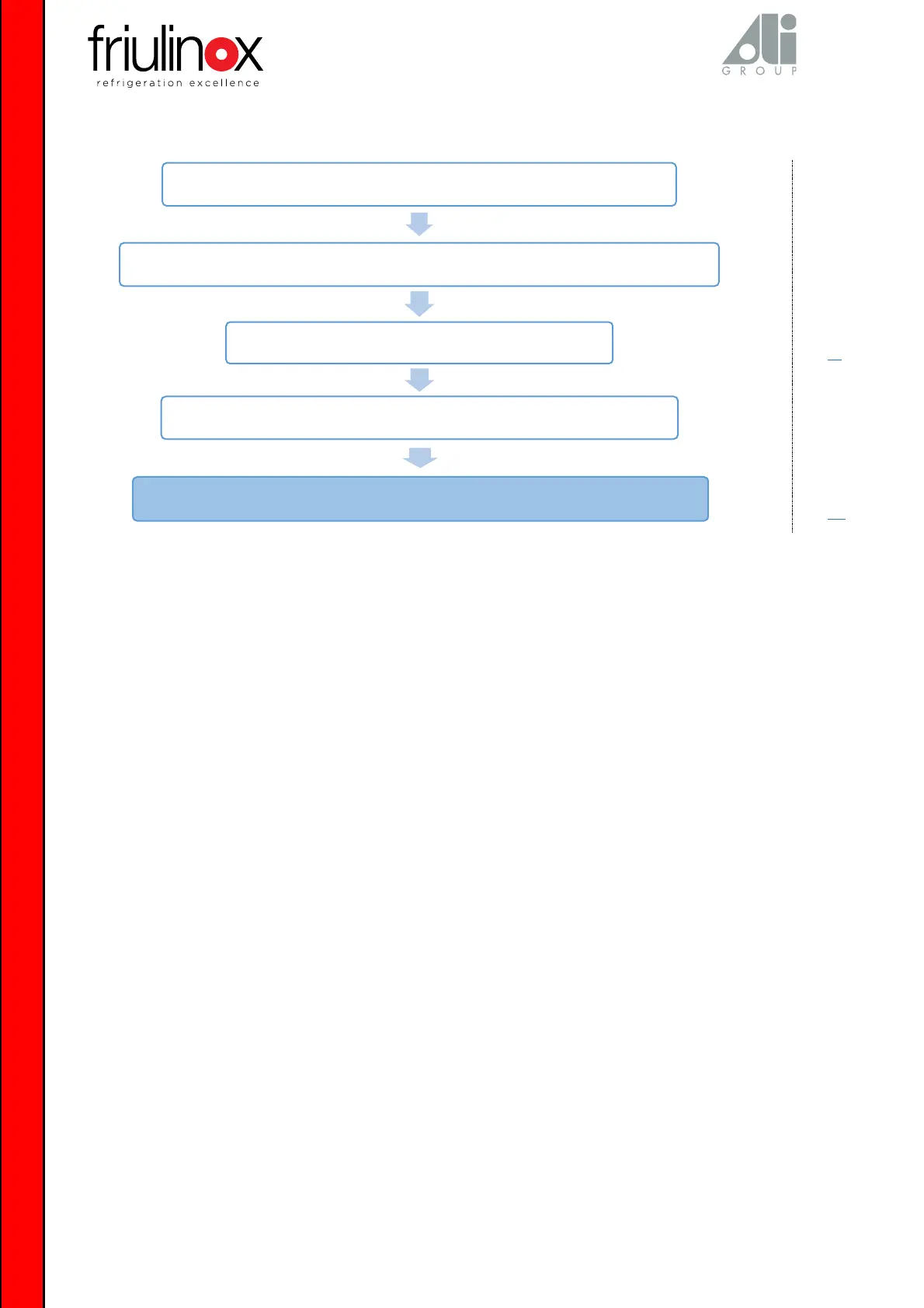
With the display on, if the functions cannot be accessed by pressing the keys, put the
equipment in stand-by, disconnect voltage and access the electronic card
Make sure there is no oxide on the flat cable terminals. If necessary, remove the oxide
Give power again and make sure there are 230V +/-10% between
the “L” and “N” “faston” type terminals see wiring diagram
Check that the power supply voltage at transformer output (12VDC) is stable
If it is still not possible to access the functions, press the keys replace the electronic board


 To Next Page
 Loading...