FROMM
CH12-TI-FS250.EN10
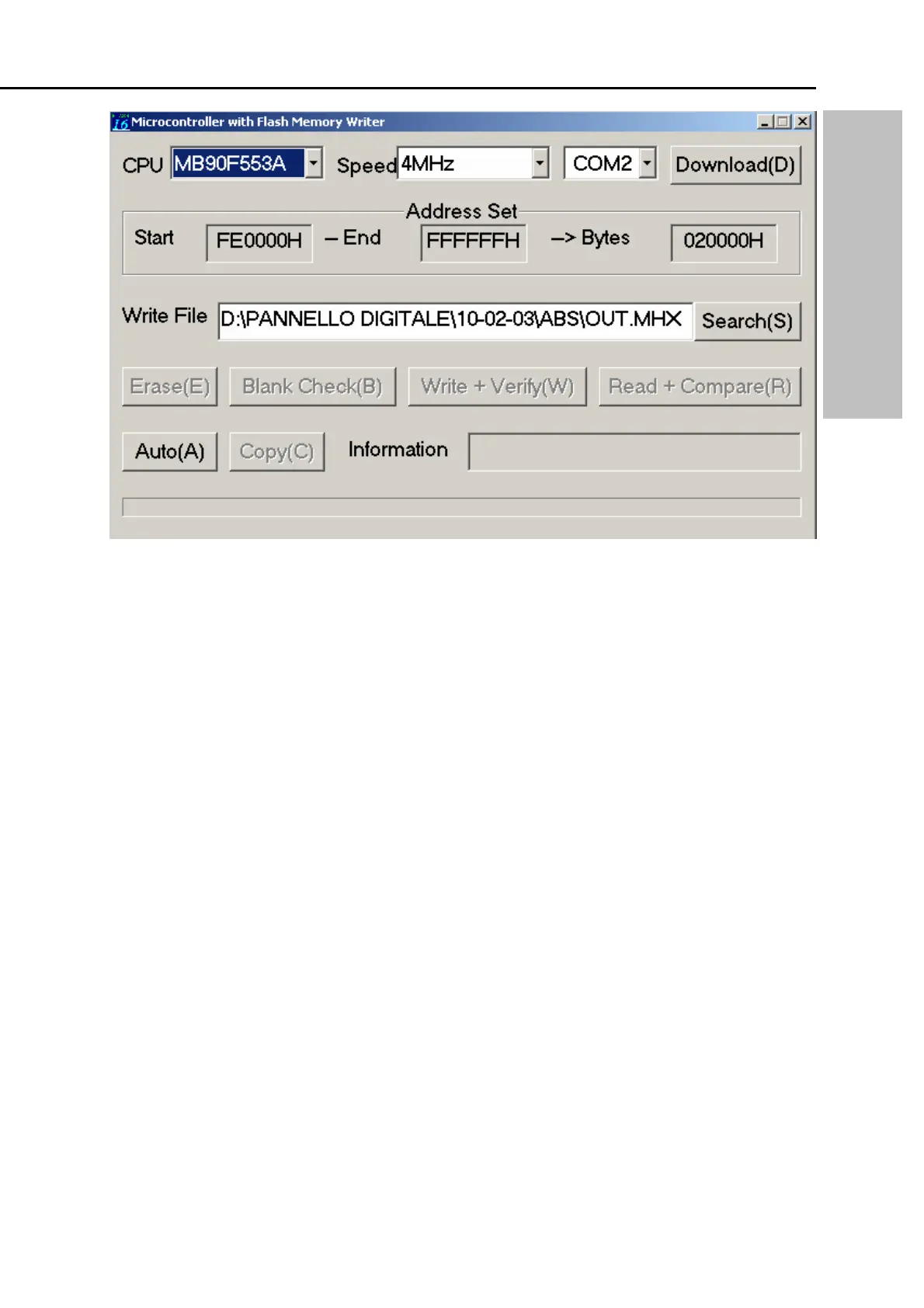
Figure 2
9 Search for the program on your hard disk, with extension .mhx (standard = out.mhx)
9 Select the name AUTO (A) on your computer screen (The program will check the settings of
the machine and will upload the new program which is selected. When the computer is ready
with the uploading it will display the message “ALL OK”
9 Select OK on the screen
9 Turn off the stretch wrapping machine
9 Take away the standard modem cabel from ( 1 ) (Figure 1)
9 Place the jumpers ( 1 ) in the original position ( Leftside )
9 Turn On the machine
9 After pushing RESET the machine is ready for production
PROGAMMING FS 250 - 270


 To Next Page
 Loading...