Frontier
®
Routers:
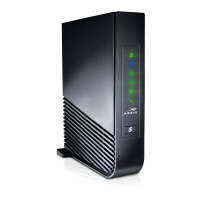
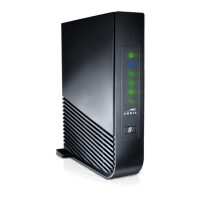
Arris NVG448BQ
NVG448B &
NVG443B
QUICK SETUP GUIDE
- Quick Setup Guide (This document)
Router (1)
Power Adapter (1)
Ethernet Cable (1)
Before you begin, check your packaging contents to make sure you have all
of the following:
Phone Line Cord (1)
STEP 1
CONNECT YOUR ROUTER
Existing Customers:
A. Connect Router to the Internet
1. For a DSL connection, connect one end of the GREEN phone line cord into the
phone jack on the wall. Next, connect the other end of your cable to the GREEN
DSL port labeled "DSL" on your router.
2. For an Ethernet connection, connect one end of the WHITE Ethernet
cable to the Ethernet port on your wall. Next, connect the other end of your
cable to the RED Ethernet port labeled “ONT” on your router.
B. Connect Power
A1
A2
D
B
Option 1: Standard Power Adapter
Plug the new power adapter into the port labeled
"Power" on the router and then plug the power adapter
into a power outlet. Press the power button on the back
of the Router to turn it on.
Option 2: Battery Backup Unit (BBU)
If you have a BBU, connect the power plug to the new router’s power port. Plug
the new BBU into a power outlet. Press the power button on the back of the router to
turn it on.
1. Locate your existing router and make note where the cables are connected.
2. Move each cable from the existing router to the new router one at a time.
3. Connect the new router to power using the new power adapter and press the power button.
4. If you have Frontier
®
TV service, please proceed to step "E" on the next page. New Customers: Follow
the steps below.
NEXT:
FOLLOW THESE STEPS TO SET UP YOUR NEW ROUTER

 Need help?
 General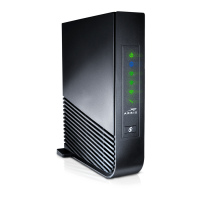

 To Next Page