3
OVERVIEW
The Outdoor Camera is a powerful tool for home security
and awareness, equipping you with world-class features:
• Two-Way Audio to talk with visitors outside
your home
• Smart notifications and clip recordings based on
Video Analytics
• Smart intruder-deterrence based on your
configuration of the new Video Analytics Rule,
“Perimeter Guard™”
In the following pages of this manual, we guide you
through the three-part setup process:
1. Wi-Fi setup to connect the Outdoor Camera to your
Frontpoint account
2. Installation to mount the camera in the desired outdoor
location
3. Video Analytics configuration, including Perimeter
Guard™
For reference on usage and the camera’s LED colors,
please refer to pages 8 and 9.
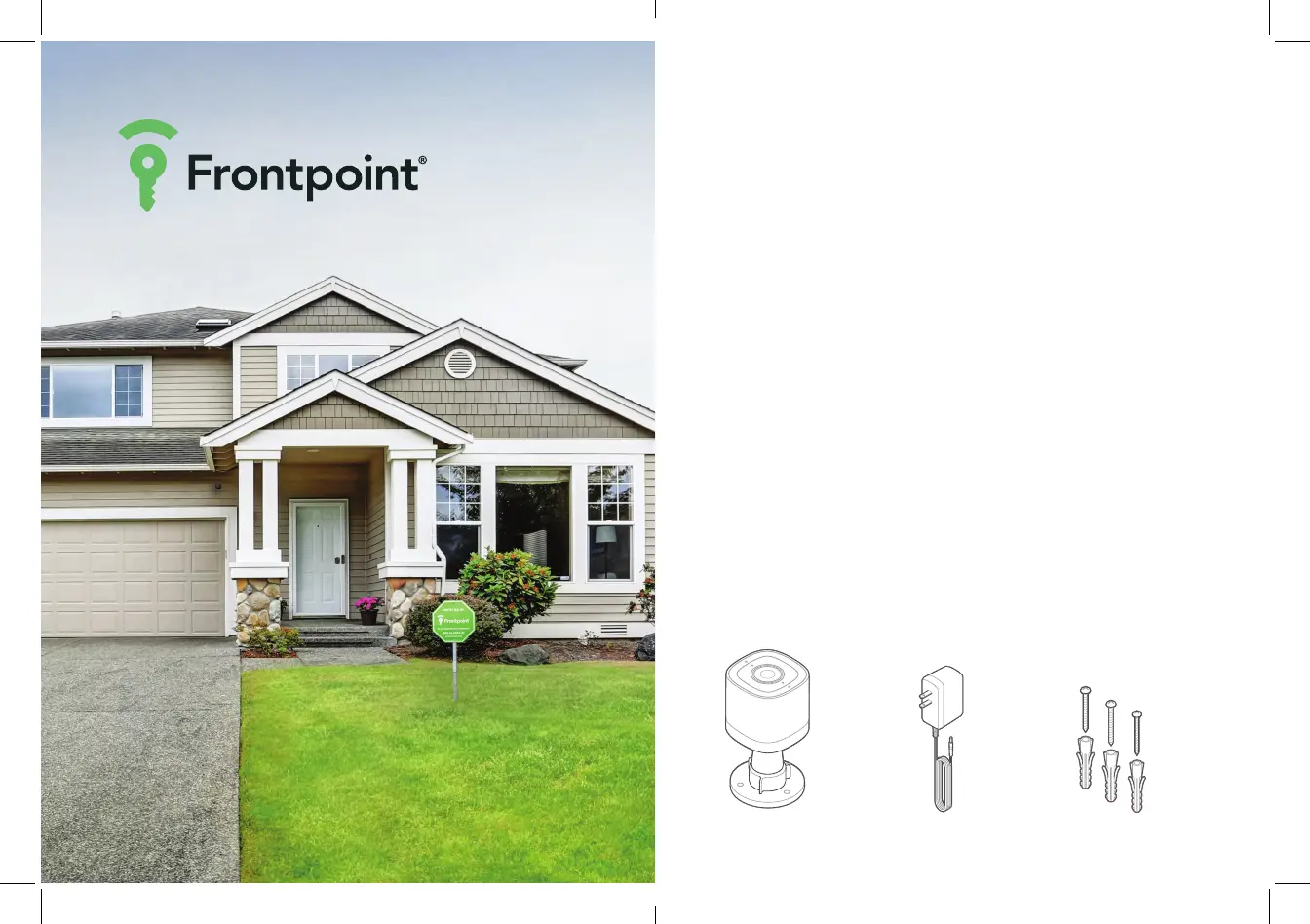
IN THE BOX
Outdoor Camera Wall anchors & screws (x3)AC power adapter


 To Next Page
 Loading...