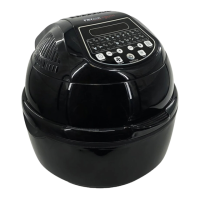
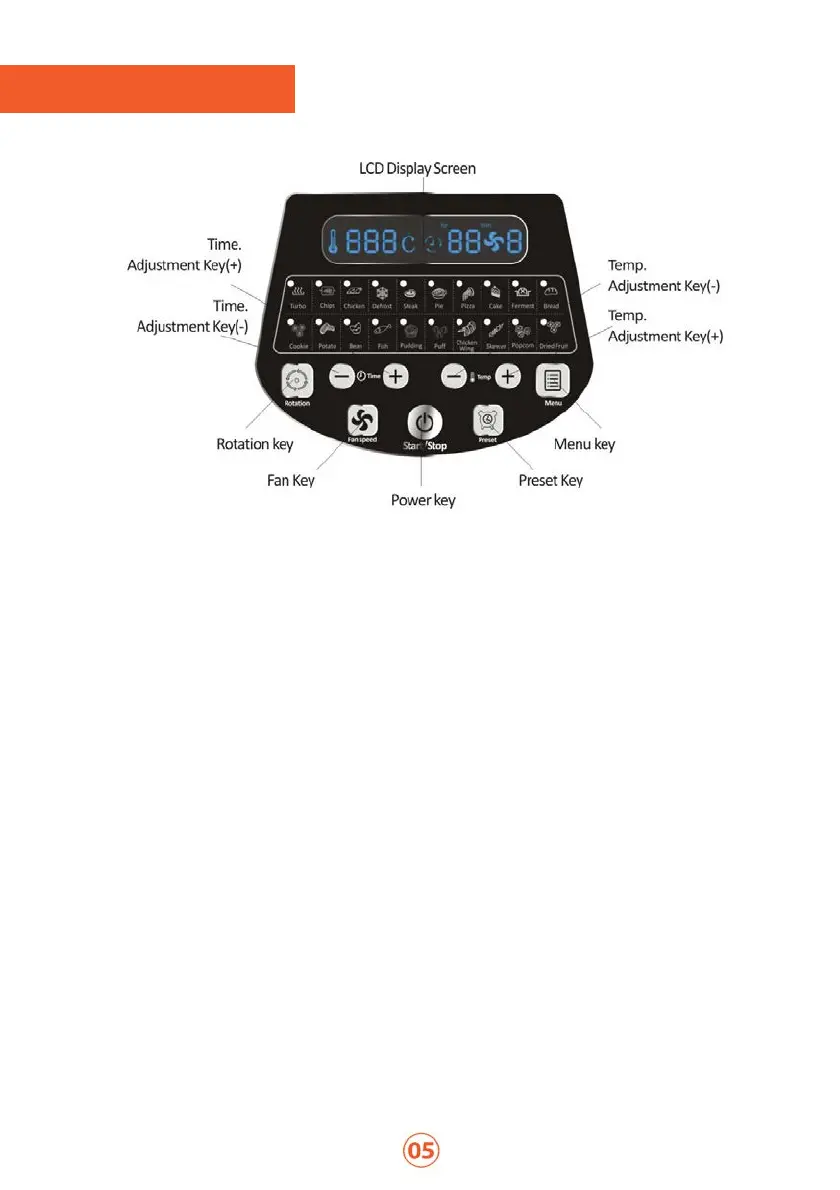
LCD Display Screen: This screen shows you what temperature, time and fan-force your FryAir
is set at.
Temp. Adjustment Key (-): Use this key to manually adjust the temperature down, by pushing
the button until you reach your desired temperature.
Temp. Adjustment Key (+): Use this key to manually adjust the temperature up, by pushing
the button until you reach your desired temperature.
Menu Key: Use this key to reach your desired pre-programmed cooking option.
Preset Key: Use this key to set a timer for your FryAir to start cooking. This button allows for a
1min-12hr preset timer.
How to use Preset Key: Press Preset Key, select your time for when you want your FryAir to
start cooking then press the Menu Key. Either select a pre-programmed cooking option or adjust
timer, temperature and fan-force. Press Power key to set Preset option. Timer will count down
on LCD screen.
Power Key: Use this key to turn your FryAir On/Off and to Start/Finish your cooking.
Fan Key: Use this key to select your fan-force mode. This will need to be selected each time,
except when using the pre-programmed cooking menu.
Rotation Key: Use this key to select your rotation mode, if your cooking method requires the
rotisserie setting. This will need to be selected each time, except when using the pre-
programmed cooking menu.
Time Adjustment Key (-): Use this key to manually adjust the timer down, by pushing the
button until you reach your desired time.!
Time Adjustment Key (+): Use this key to manually adjust the timer up, by pushing the button


 To Next Page
 Loading...