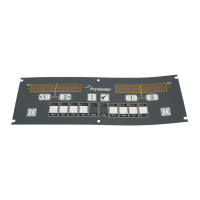
2-19
2.2.5 Programming for Sandwiches/Filets (cont.)
9
10
11
12
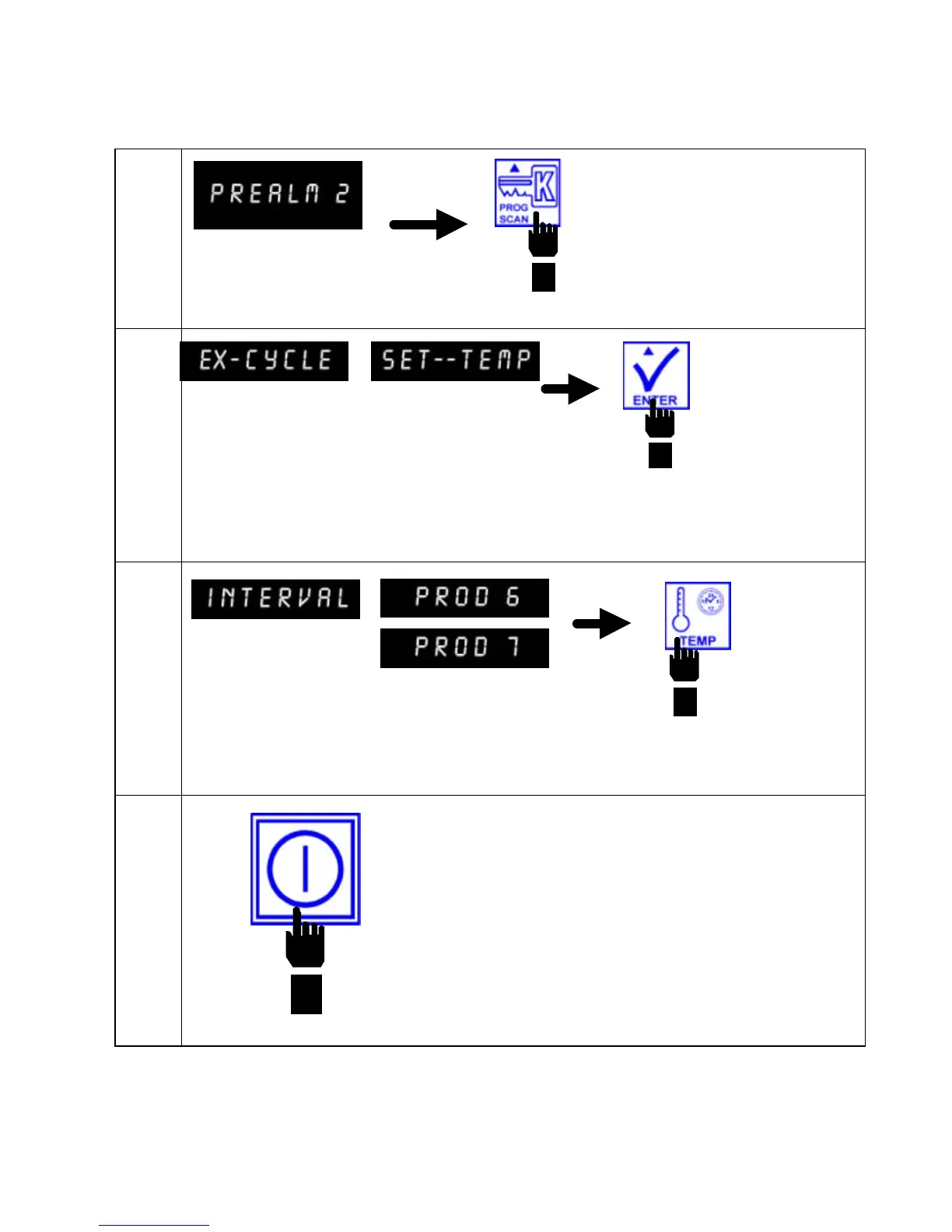
Computer displays
PREALM 2.
Press PROG SCAN
button to advance to
Exit Cycle program
mode.
Computer displays EX-CYCLE in the left display
and SET--TEMP in the right display.
Press ENTER button to save default setting of
SET--TEMP.
Computer displays INTERVAL in the left display
and PROD 6 or 7 in the right display.
Press TEMP button to exit Product #6 or
#7 programming.
Press ON/OFF button to exit
programming mode.


 To Next Page