EN
1
Introduction
Thank you for choosing Interactive Whiteboard Displays. This guide is designed to
familiarize you with the structure of the displays and describes how to deploy them in your
digital oce.
NOTE: The accessories may vary from illustration, please prevail in kind.
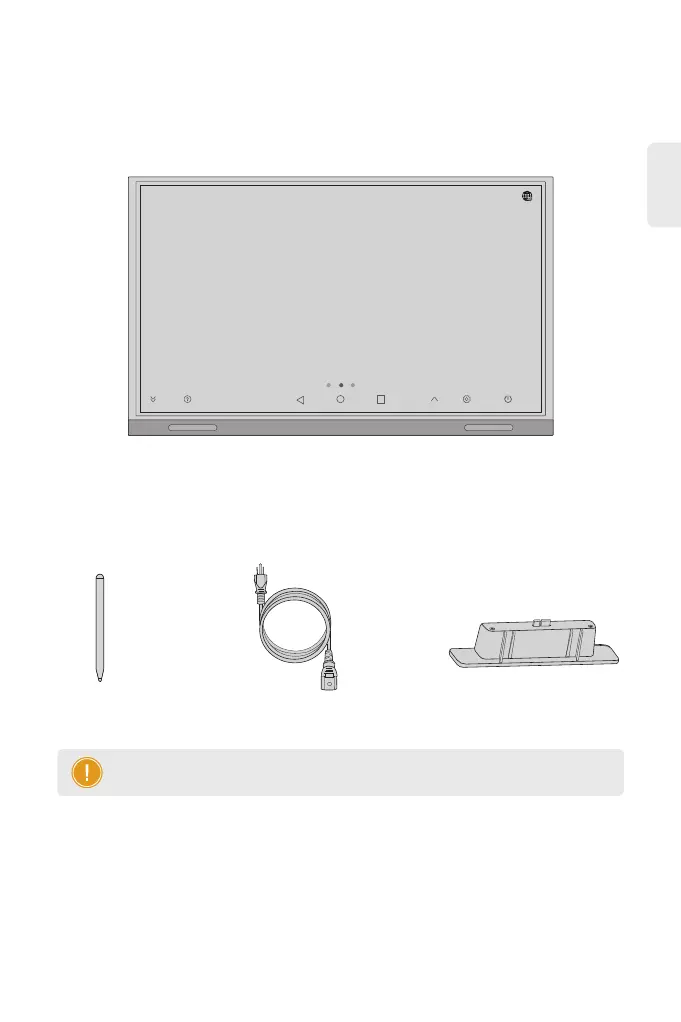
Accessories
IWB-5365-E/IWB-5375-E/IWB-5386-E
Power Cord x1
Touch Pen x2
Wireless Module x1
07:03
03/20/2024 Wednesday
Hide Help Input Settings Power



 To Next Page