- 8 -EN
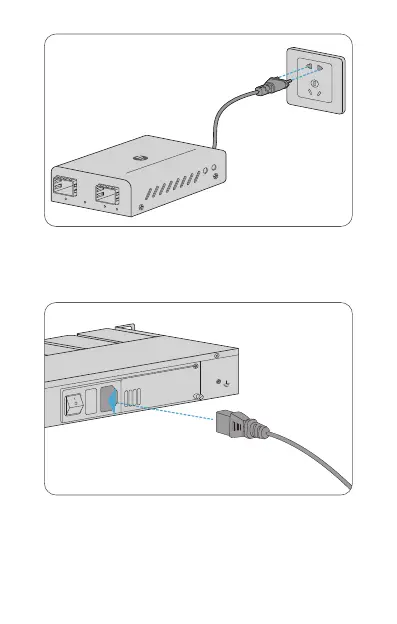
1. Desk Mounting: Connect the power adapter to the media converter
and verify that the Power LED lights up.
2. Rack Mounting: Connect the power cord to the media converter
chassis and verify that the Power LED lights up.
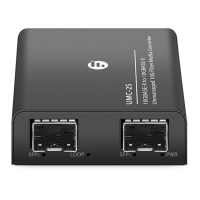
SFP
LOOP
SFP
PWR
UMC-2S
10/100/1000BASE-T to 100/1000BASE-X
Mini Unmanaged Gigabit Ethernet Media Converter
INPUT: AC 100-240V 50/60HZ
FUSE:3.15A
F
AN
ON
OFF


 To Next Page