Section 4 Evaluation
25 FT702LT Flat Front Wind Sensor Manual
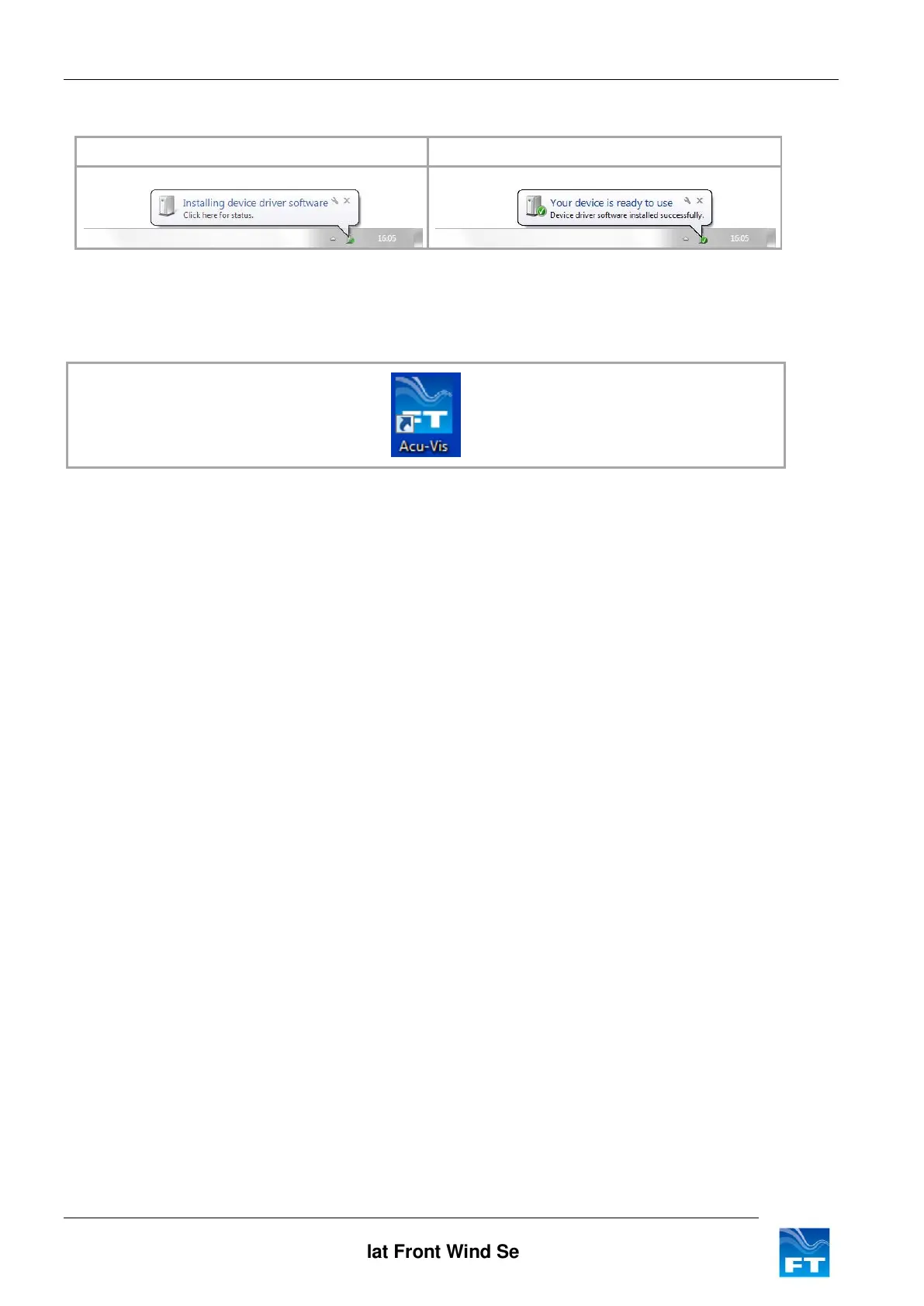
4. Connect the USB cable to the Computer and allow Windows to detect the cable and install any drivers.
Please wait for Windows to install the hardware
Figure 21: Windows driver installation sequence
5. Once the above sequence is complete, wait approximately 10 seconds and then run Acu-Vis by
selecting the shortcut icon on the desktop or from the start menu in the FT Technologies folder.
Figure 22: Acu-Vis Shortcut Icon
6. If you need to change over the evaluation cable it is recommended to firstly close the program, replace the
cable and allow enough time for Windows to recognise the new cable and install its drivers. Then restart
Acu-Vis.



 To Next Page