Section 6 Parameter Settings
40 FT702LT Flat Front Wind Sensor Manual
6.4.7 ER: Query the Error Report
$<listenerID>,ER<reset>*<checksum><cr><lf>
$<listenerID>,ER?*<checksum><cr><lf>
$<talkerID>,ER=<error report>*<checksum><cr><lf>
$aa,ER=xxxxxxxxxxxxxxx*hh<cr><lf>
Resets the historical log section of the error report to all 0’s
FT702LT error report string
Example 1
Query the error report
$WI,ER=000000000000000*28<cr><lf>
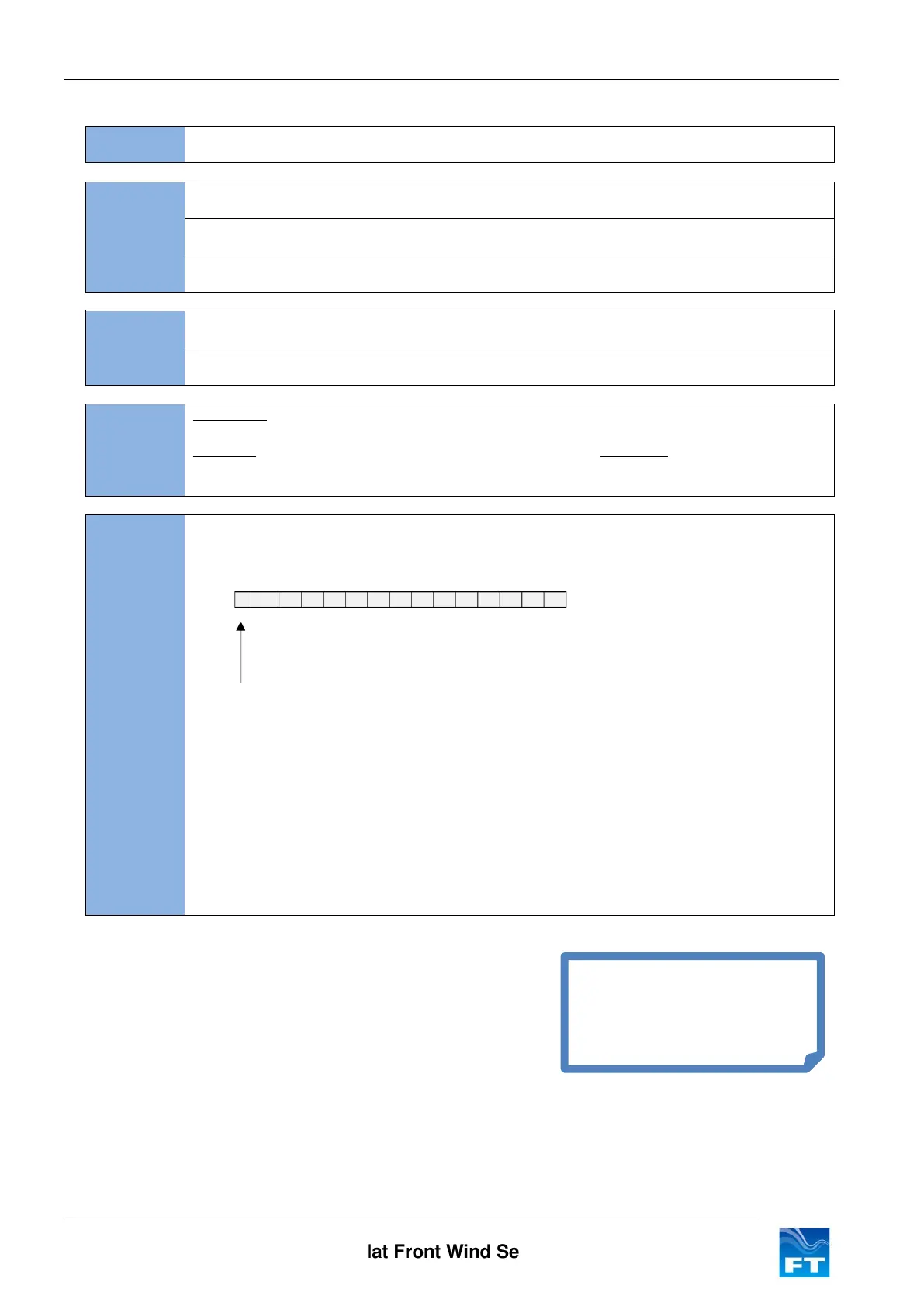
The error report contains information on errors that have occurred during the operation of
the FT702LT. The output string is always comprised of 15 ASCII characters (all shown as
‘0’, ASCII 30(HEX) in the above example).
The first character in the data field represents the current operational status of the
FT702LT. ‘0’ (ASCII 30(HEX)) indicates that the FT702LT is functioning correctly any other
character indicates that an error condition exists. The status is cleared once the ER
command is executed.
The next 14 locations contain an historical log of the last 14 errors with the most recent
error being recorded in the leftmost position. Each error condition is assigned an ASCII
character. The historical log is stored in Flash and is retained when the power is switched
off or the sensor software reset.
This report can be sent back to the FT factory for analysis if there are problems with the
sensor.
Currently the historical error
log is only used for factory
diagnostic purposes.



 To Next Page