EasyManua.ls Logo

FUDONI P1 - Important Usage Notices; Important Usage Notices and Recommendations

FUDONI P1
28 pages
Print Icon
To Next Page IconTo Next Page
To Previous Page IconTo Previous Page
Loading...
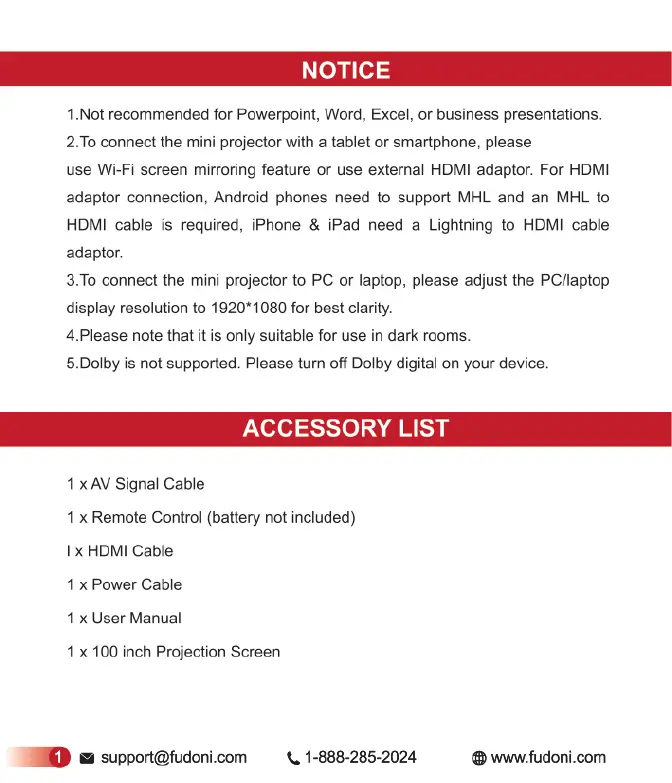
1.Not
recommended
for
Powerpoint, Word,
Excel,
or
business
presentations.
2.To
connect
the
mini
projector
with
a
tablet
or
smartphone,
please
use
Wi-Fi
screen
mirroring
feature
or
use
external
HDMI
adaptor.
For
HDMI
adaptor connection, Android
phones
need
to
support
MHL
and
an
MHL
to
HDMI
cable
is
required,
iPhone
&
iPad
need
a
Lightning
to
HDMI
cable
adaptor.
3.To
connect
the
mini
projector
to
PC
or
laptop,
please
adjust
the
PC/laptop
display
resolution
to
1920*1080
for
best
clarity.
4.Please
note
that
it
is
only
suitable
for
use
in
dark
rooms.
5.Dolby
i
not
supported. Please
turn
off
Dolby
digital
on
your
device.
ACCESSORY
LIST
1
x
AV
Signal
Cable
1
x
Remote
Control
(battery
not
included)
I
x
HDMI
Cable
1
x
Power
Cable
1
x
User
Manual
1
x
100
inch
Projection
Screen
support@fudoni.com
«,
1-888-285-2024
®
www.fudoni.com

Related product manuals