Features Content
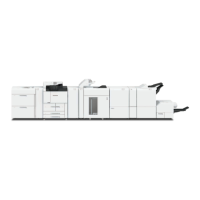
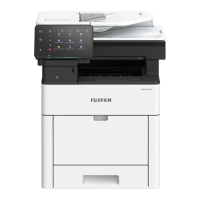
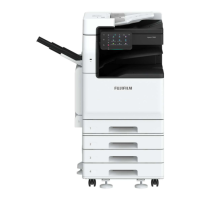
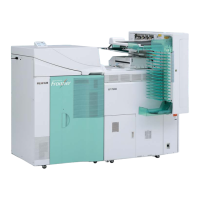
Thank you for selecting Revoria Press E1136 / E1125 / E1110 / E1100.
This quick user guide provides the fundamental Copy / Scan / Print operating
procedures for ease use of the machine.
Quick User Guide Organization
Features Content ……………………………………………… Page 1 - 2
Describes the content of this guide and overview of the machine.
Copy ……………………………………………………………. Page 3 - 18
Describes the copy features and operations.
Scan …………………………….………….…………………… Page 19 - 24
Describes the scan features and operations.
Print …………………………….………………………………. Page 25 - 32
Describes the print features and operations from computer.
Consumables …………………………….…….….…………… Page 33 - 34
Describes procedures to replace consumables
(Toners/Drum/Waste Bottle/Staples)
Paper Jams …………………………….…….….……………… Page 35 - 37
Describes procedures to clear paper jams when error message displays.
Troubleshooting … … … … .……….…….….……………… Page 38 - 44
Online support Assistance - describes measures to acquire online
help solutions and / or submit a Service & Support Request.
IMPORTANT :
The screen images in this guide solely used for illustration and are based on the standard machine
configurations. Some features mentioned may not be used depending on the machine configurations.
Unsupported features will not be displayed on the screen. Abnormal features will be grayed out on the
screen.
This Quick User Guide may not be copied or modified without the written consent of the publisher.
Parts of this user guide are subject to change without prior notice.
We welcome any comments on ambiguities, errors, omissions or missing pages.
Contact FUJIFILM Customer Training Department for more information.
2



 To Next Page