9
Copying Pictures to a Computer: PC AutoSave
Install the latest version of FUJIFILM PC AutoSave to your com-
puter to upload pictures from the camera over wireless networks
(Wi-Fi).
FUJIFILM PC AutoSave
For downloads and other information, visit:
http://app.fujifilm-dsc.com/en/pc_autosave/
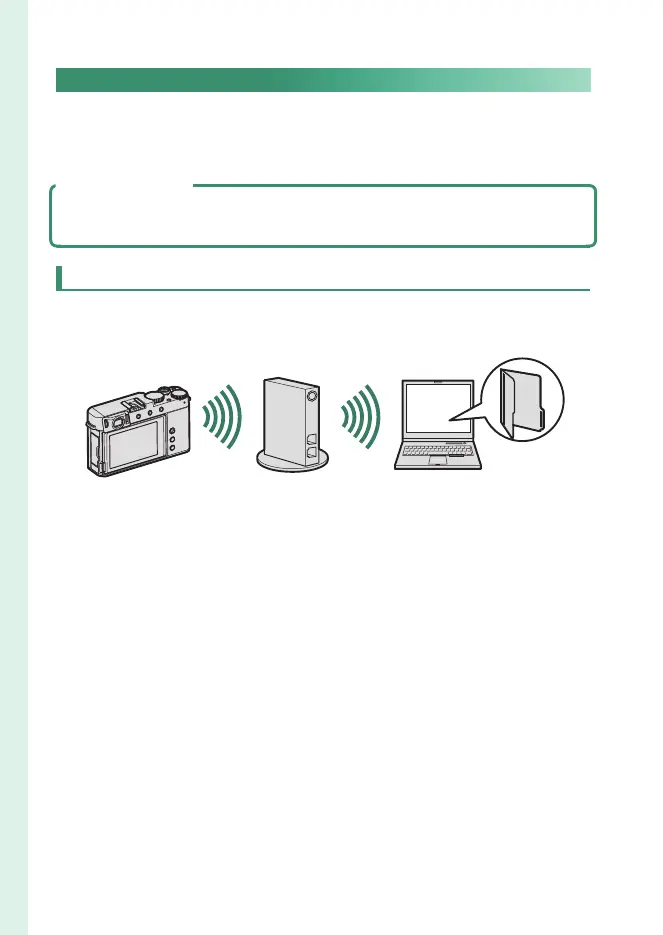
Computers: Wireless Connections
You can upload pictures from the camera using the PC AUTO
SAVE option in the playback menu.



 To Next Page