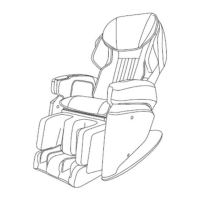
How to Adjust Massage
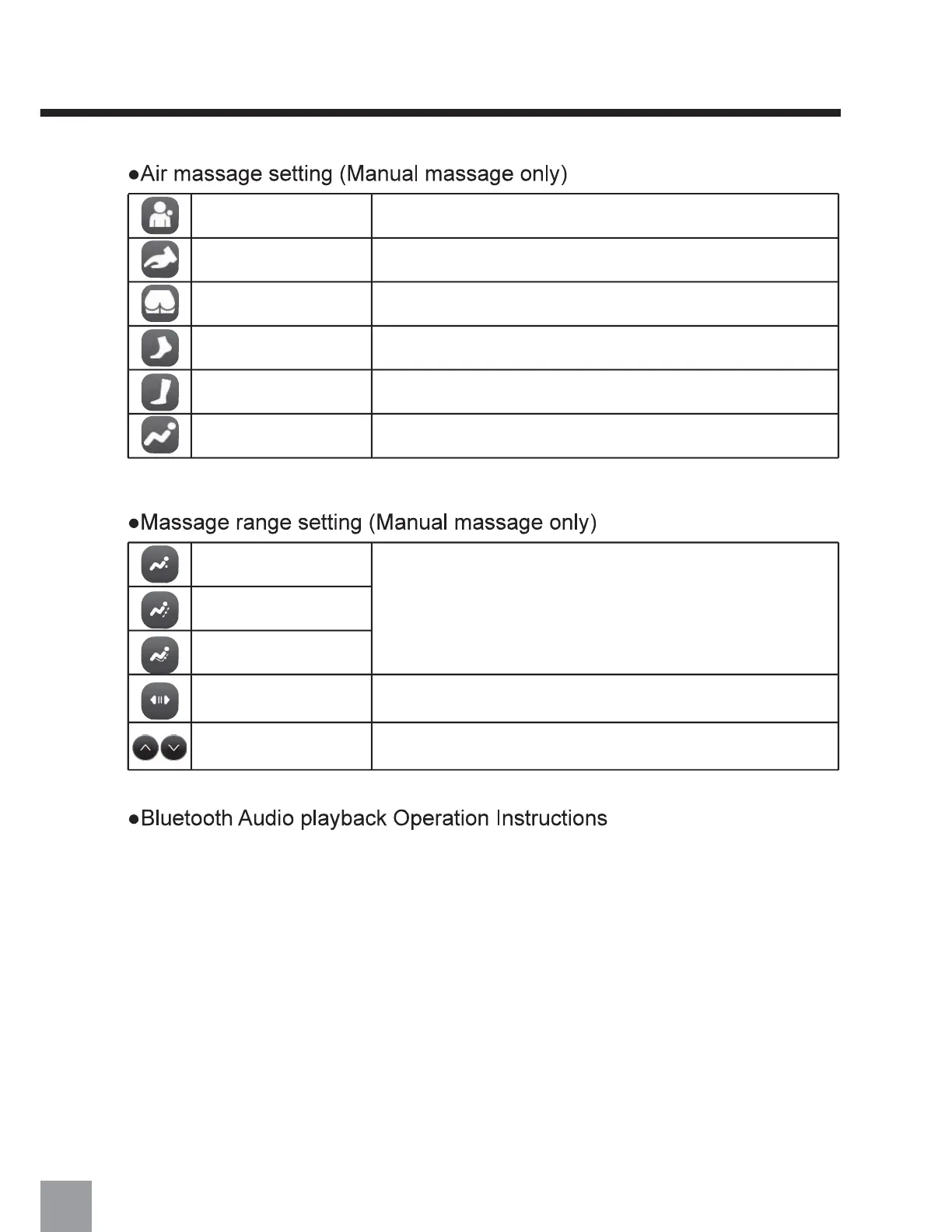
Turn ON/OFF the shoulder airbags
Turn ON/OFF the arm airbags
Turn ON/OFF the seat side airbags
Turn ON/OFF the foot airbags
Turn ON/OFF the whole airbags simultaneously
Turn ON/OFF the calf airbags
Hip airbags
Shoulder airbags
Arm airbags
Foot airbags
Calf airbags
Whole body airbags
Massage range can be selected.
Massage ball width can be adjusted in 3 levels with each button press
(Available only in the "Tapping" and "Rolling" massage techniques.)
Massage ball potision can be adjusted during only in the "Point"
and "Partial" massage
Entire massage
Point massage
Partial massage
Massage ball width
Massage ball position
adjustment
1. Enter the main menu of the smart device, open "Settings," select the "Bluetooth" option, turn
on "Bluetooth," and automatically "Search for new Bluetooth devices."
2. The device will search for the corresponding Bluetooth model (MR6000). Click the pairing
button. If asked to pair with the device, select "Pair" to complete the pairing.
3. Open the music player of the smart device and select a song to play.
30


 To Next Page