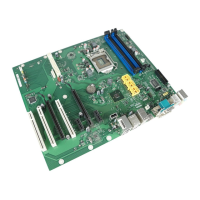
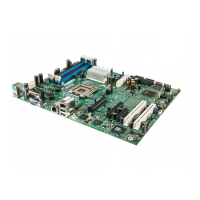
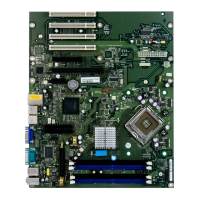
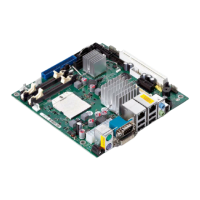
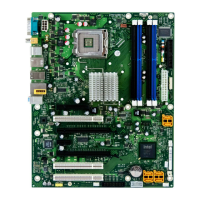
Brief description of the mainboard
BIOS update
WhenshouldaBIOSupdatebecarriedout?
Fujitsu Technology Solutions makes new BIOS versions available to ensure
compatibility with new operating systems, new software or new hardware. In
addition, new BIOS functions can also be integrated.
A B IO S update s hould always also be carried out when a prob lem exists that
cannot be solved with new drivers or new software.
Where can I obtain BIOS updates?
The BIOS u pdates are available on the Internet at "
http://ts.fujitsu.com/mainb oards".
BIOS update under DOS with bootable BIOS
update floppy disk - brief description
► Download the update file from our website to your PC.
► Insert an empty floppy disk (1.44 Mbyte).
► Run the update file (e.g. 2461103.EXE).
A b ootable update floppy disk is created. Leave this floppy disk in the drive.
► Restart the PC.
► Follow the instructions on screen.
Detailed information on the BIOS update under DOS is provided in the
"BIOS Set up" manual ("Drivers & Utilities" CD).
BIOS update under Windows wi
th DeskFlash utility
A BIOS update can also be carried out directly under Windows with the DeskFlash utility.
DeskFlash is contained on the " Drivers & Utilities" C D (under DeskUpdate).
6 - English A26361-D2151-Z212-1-8N19, edition 1


 To Next Page