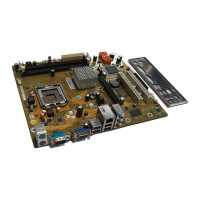
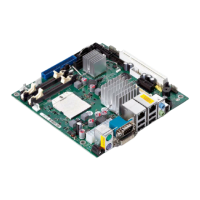
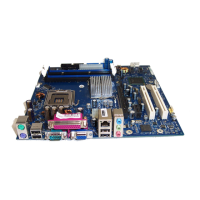
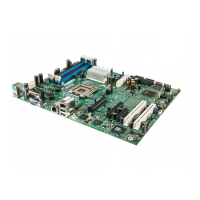
Brief description of mainbo ard
Procedure
The processor socket is covered with a protective cap to protect the spring
contacts. In the event of a warranty claim, the mainboard can only be taken back
by Fujitsu Technology Solutions with the prote ctive cap secured!
a
b
b
► Remove the heat sink.
► Press down the le ver and unhook it.
► Fold up the fra me.
► Hold the processor between your thumb
and index finger and insert it into the socket
(b) so that the marking of the pro cessor is
aligned with the marking on the socket (a).
► Press the lever downward until it is
hooked in again.
► Removetheprotectivecapandkeepit.
Please note that, depending on the heat sink used, d ifferent heat sink
mounts are required on the mainboard.
► Depending on the configuration variant, you must pull a protective foil off the h eat sink
or coat the heat sink with heat conducting paste before fitting it.
► Secure the heat sink - depending on the model - with four screws or push it into th e mounts.
A26361-D2840-Z210-1-8 N19, edition 1 English - 3



 To Next Page