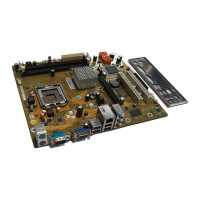
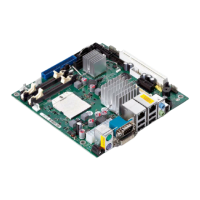
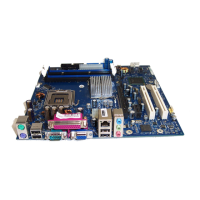
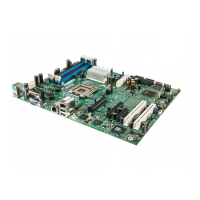
Brief description of mainboard
BIOS Update
When should a BIO S u pd ate be performed?
Fujitsu Technology Solutions makes new BIOS ve rsion s available to ensure
compatibility with new operating systems, new software or new hardware. In
addition, new BIO S functions can also be integrated.
A BIOS update should always also be performed when a problem exists that
cannot be solved with new drivers or new software.
Where can I o btain BIOS u pd ates?
You will find the relevant installation files for diskette, USB memory stick or DeskFlash
on the Internet under "
http://ts.fujitsu.com/mainboard s".
BIOS update under DOS with bootable BIOS
update diskette – b rief description
► Download the update file from our website to your PC.
► Insert an empty diskette (1.44 MByte).
► Run the update file (e.g. 2840103.EXE).
A bootable upd ate diskette is created. Leave this diskette in the drive.
► Restart the PC.
► Follow the instructions on screen.
Alternatively, the BIOS can be updated under DOS using a bootable USB m e m ory stick.
BIOS update under Windows
with DeskFlash utility
A BIOS update can also be carried out directly under Windows with the DeskFlash utility.
Further detailed inform a tion on the BIOS update is contained in the
manual "BIOS S etup" ("Drivers & Utilities" CD).
6 - English A26361-D2840-Z210-1-8N19, edition 1



 To Previous Page