Rev: 12.01.2023 Page 1 CCD-0008140
PROPER STORAGE OF FURRION
®
REFRIGERATORS
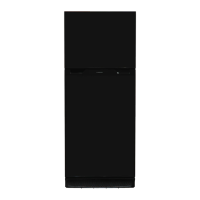
MODEL FCR16DCASA
QR-179
REFRIGERATORS
Purpose
This document outlines the procedures for proper storage of Furrion refrigerators, actions which prevent
irregular cooling performances. This document also walks through troubleshooting and steps to identify if
hard resetting the appliance is necessary.
Proper Storage Information
If the refrigerator is not properly turned off, it unintentionally continues to operate while in storage, causing
the appliance to overwork in extreme conditions beyond its intended design. The refrigerator control then
detects an erroneous operating parameter/condition and locks out the systems to protect itself until power
is reset. Compressor operation may stop working and will require a "hard reset" by disconnecting power to
reset the cooling operation. See "Reconnect by Disconnecting Power (Hard Reset)" section.
NOTE: Sensitive electronic components may be damaged from the elevated heat due to improper storage
and the control boards could require replacement.
Proper Storage Procedures for Model FCR16DCASA
Failure to follow proper storage procedures for the refrigerator could result in product damage and/or
voiding the warranty.
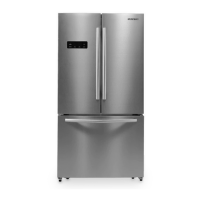
If the unit/appliance is in storage (closed up/not in use) the refrigerator model # FCR16DCASA should always
be turned off using the controls of the refrigerator. The battery disconnect is NOT sufficient for ensuring the
refrigerator is off. Physically turning off the refrigerator is required per the below instructions.
1. Hold down "Function" and "Lock" on the display for approximately 7 seconds. Hyphens ( - -) will appear
where the temperature is displayed and the internal lights will turn off after three minutes of the door
being opened.
2. Keep the doors open for air circulation to keep the cavity dry.
3. To turn on the refrigerator, hold down "Function" and "Lock" on the display for approximately 7
seconds. The temperature will be displayed.
NOTE: For extended storage, including winterization, the battery should also be removed and maintained properly.
NOTE: Also see video detailing the procedures: https://support.lci1.com/videos/
proper-storage-of-a-furrion-model-fcr16dcasa-refrigerator or scan the QR code.

 Need help?
 General





 To Next Page