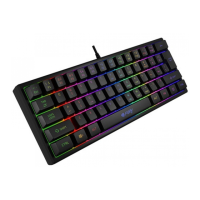
REQUIREMENTS
• PC or PC compatible device with a USB port
• Windows® XP/Vista/7/8/10
WARRANTY
• 2 years limited manufacturer warranty
INSTALLATION
• Connect the device to the USB port in your computer
• System will install driver automatically
SPECIFICATION
• Keyboard size
• Connector
• Number of keys
• Number of multimedia keys
450 x 170 x 27 mm
USB
104
12
KEYBOARD USER MANUAL
INSTALLATION
• Connect the device to the mini jack port in your computer
• Operating system will detects the device automatically
SPECIFICATION
• Sound pressure level
• Headphones frequency response
• Impedance
• Microphone sensitivity
• Connector
• Cable length
105 dB
20 – 20 000 Hz
32 Ohm
-58 dB
2 x 3,5 mm minijack
1,8 m
HEADSET USER MANUAL
INSTALLATION
Connect your device to the USB port of your computer, it is necessary
to wait about 15 seconds for the first connection until the drivers are
fully installed. The mouse includes software that allows you to set up
advanced features, if you want to use these features, you need to
download and install the software from our website www.fury-zone.-
com. Open the installation folder and then double-click the setup.exe
file. Follow the installation instructions. After a successful installation,
the software icon appears on the main bottom panel. Double-clicking
the icon opens the settings interface.
SAFETY INFORMATION
• Use as directed.
• Non-authorized repairs or taking the device to pieces make the warranty void
and may cause the product damage.
• Avoid to hit or friction with a hard object, otherwise it will lead to grind surface
or other hardware damage.
• Do not use the product in low and high temperatures, in strong magnetic
fields and in the damp or dusty atmosphere.
• Do not drop, knock, or shake the device. Rough handling can break it.
• Slots and openings in the case are provided for ventilation and should not be
obscure. Blocking the vents can cause overheating of the device.
GENERAL
• The safe product, conforming to the EU requirements.
• The product is made in accordance with RoHS European standard.
• The WEEE symbol (the crossed-out wheeled bin) using indicates that this
product in not home waste. Appropriate waste management aids in avoiding
consequences which are harmful for people and environment and result from
dangerous materials used in the device, as well as improper storage and
processing. Segregated household waste collection aids recycle materials and
components of which the device was made. In order to get detailed information
about recycling this product please contact your retailer or a local authority.
SPECIFICATION
• Sensor type
• Resolution
• Maximal tracking speed
• Number of key
• Dimensions
Optical
800 - 4000 DPI
30 ips
6
126 x 63 x 40 mm
MOUSE USER MANUAL
EN
PL DE ES CZ SK RO HU BG RU UAPT
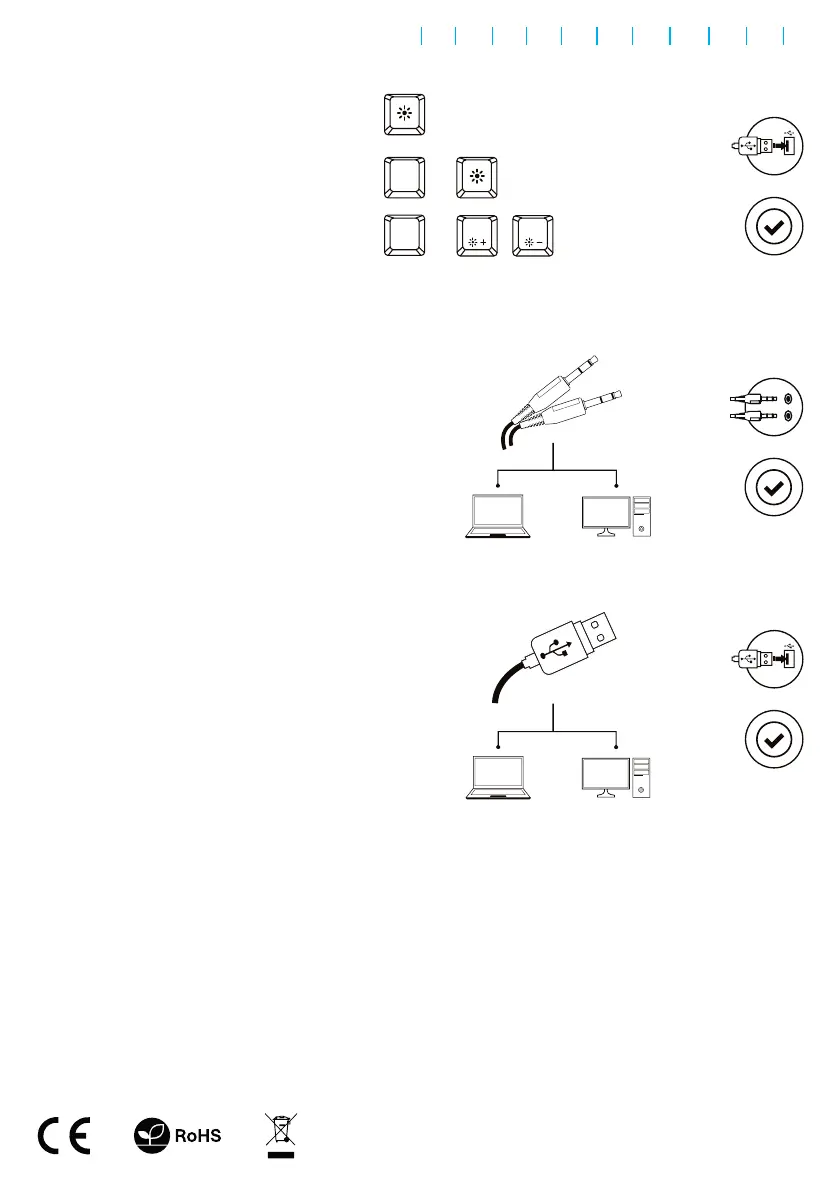
Press the keys Fn + LED to change
backlight between permanent and
breathing mode.
FN
+
Press the LED key to turn ON/OFF the backlight.
led
To change the keyboard
backlight mode press keys
Fn + Pg Up/Pg Dn.
FN
+
page up
Page
Up
page down
Page
Down
1.
2.
1.
2.
2.
1.



 To Next Page
 Loading...