Need help?
Do you have a question about the Fury Thunderstreak and is the answer not in the manual?
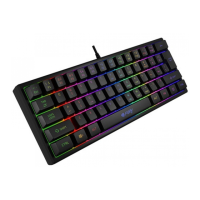
Details keyboard size, weight, connector type, and number of keys for user reference.
Instructions for connecting the keyboard via USB and automatic driver installation.
Lists headset specifications including sound pressure level, frequency response, impedance, and connector type.
Guidance on connecting the headset via mini jack and automatic device detection by the OS.
Details mouse sensor type, resolution, tracking speed, key count, dimensions, and weight.
Instructions for connecting the mouse via USB and automatic driver installation.
Covers limited manufacturer warranty, usage guidelines, and safety precautions.
Lists PC compatibility requirements and general product compliance with EU and RoHS standards.
 General
| Connectivity | Wired |
|---|---|
| Microphone | Yes |
| Type | Gaming Headset |
| Impedance | 32 Ohms |
| Frequency response | 20 - 20000 Hz |


 To Next Page