6-20 Instruments and warning lamps
3.7 Illumination intensity (brightness adjust-
ment)
• Selection and adjustment of illumination
intensity
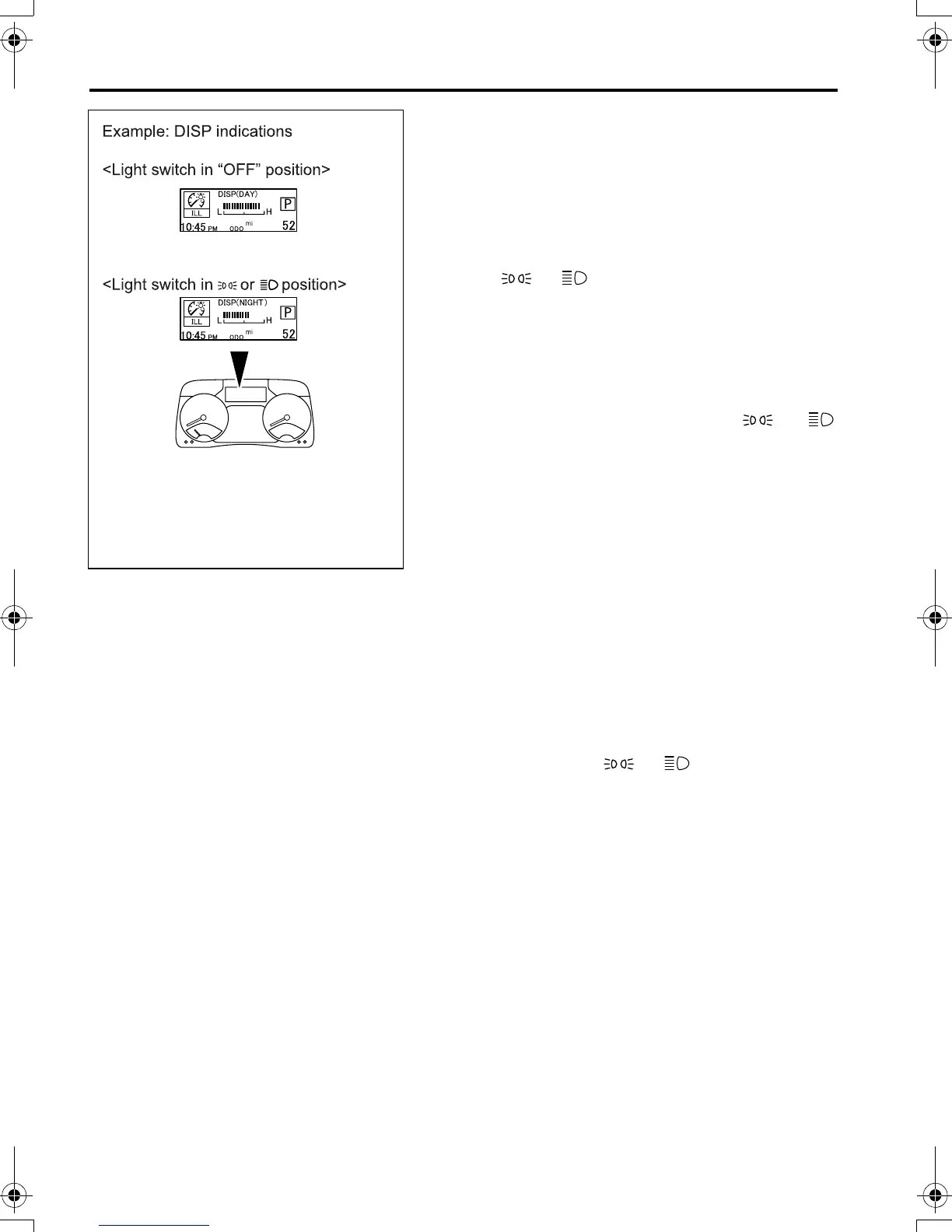
• Both the illumination intensity screen and the
adjustment screen provide different displays
between the time when the light switch is in the
“OFF” position and the time when the switch is
in the or position as follows:
• When the light switch is in the “OFF” posi-
tion, the multi-information display indicates
“DISP (DAY)” or “GAUGE (DAY)”. In this
state, the brightness of the displays or
gauges under no illumination condition (day-
time) is adjustable.
• When the light switch is in the or
position, the multi-information display indi-
cates “DISP (NIGHT)” or “GAUGE (NIGHT)”.
In this state, the brightness of displays or
gauges when lit (nighttime) can be adjusted.
• The brightness of the following display and
gauges can be adjusted as follows.
• When “DISP (DAY)” or “DISP (NIGHT)” is
displayed:
Multi-information display
• When “GAUGE (DAY)” or “GAUGE (NIGHT)”
is displayed:
DEF level indicator
• When “GAUGE (NIGHT)” is displayed:
Illumination of the air conditioner control
panel and the scales of the speedometer,
tachometer, and fuel gauge (when the light
switch is in the or position)
Z21562
FE_FG.book Page 20 Tuesday, February 19, 2013 11:15 AM



 To Next Page