2.0 HOW TO GO ADVANCED SETTINGS
FT004D-USB-BT
5.1Ch Remote Control Kit
User’s manual
4
1.
Hold AMODE Key
2.1
2.3
HOW TO SET WELCOME NAME
HOW TO SET KEY ASSIGN
1.
2.
2.
3.
3.
4.
4.
5.
5.
6.
6.
7.
7.
Go system . Advanced Setting -> System settings -> Welcome Name Edit
Go system . Advanced Setting -> System Settings -> Key Map Set
D-PAD key to cursor navigation.
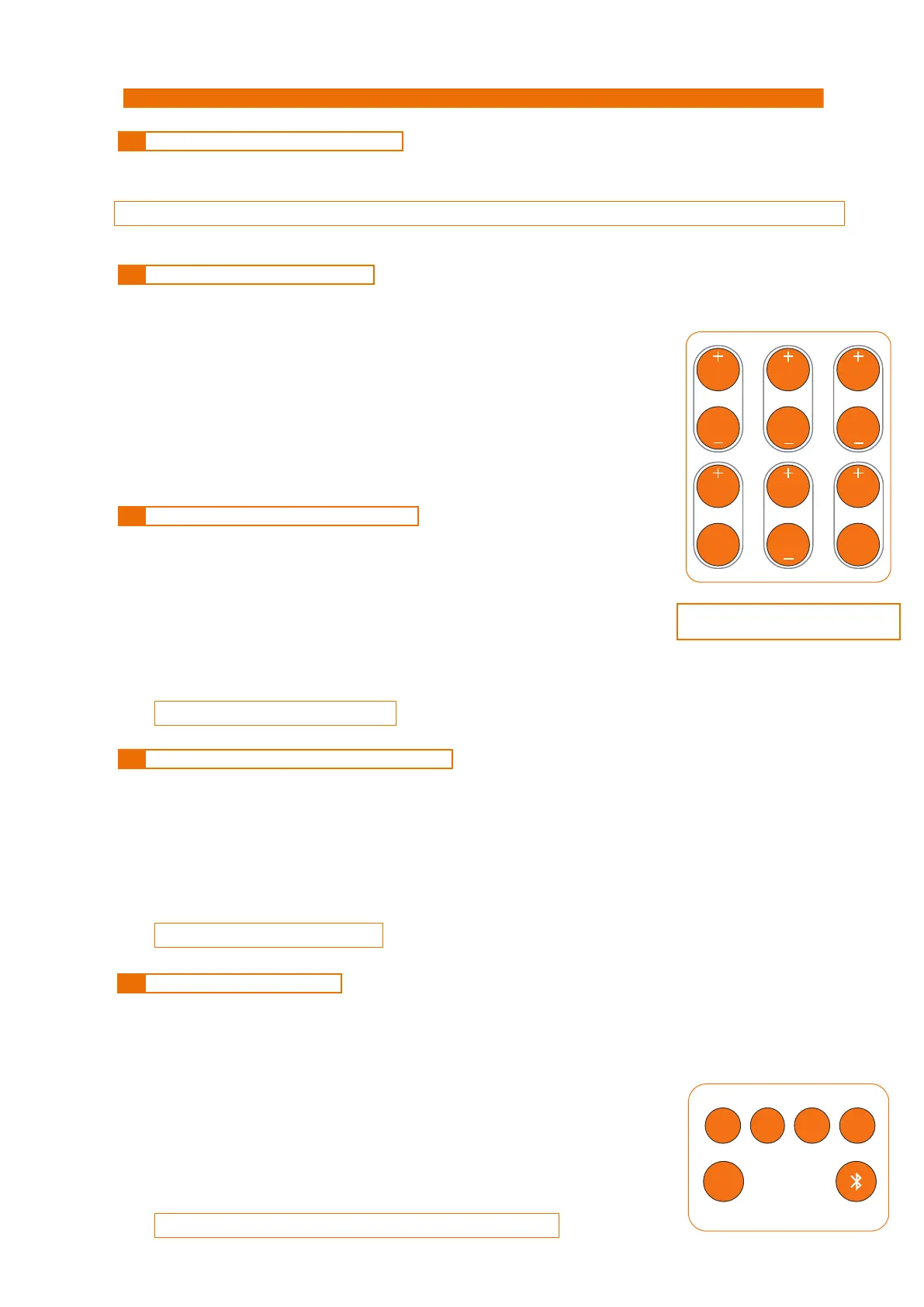
D-PAD - up/dn button to which key you want assign input .
Type your letter or number hide keypad method . see figure 1
D-PAD - Right/left button to assign which input you want that key.
Hold button to change case and number
you can able to assign per key 3 inputs .
0 button delete character .
1 button to symbols.
Back button to save.
Back button save welcome name.
MULTI-TAP KEYPAD
REMOTE
Hold enter button to remove assigned input .
Enter button to assign input .
note :
note :
you can able to change pin number by Advanced Setting -> System settings -> Change PINnote :
2.2 HOW TO SET INPUTS DISPLAY NAME
1.
2.
3.
4.
Go system . Advanced Setting -> System Settings -> Inputs Edit
D-PAD - up/dn button to which input .
D-PAD - Right/left button to cursor navigation. .
3 character only edit
5.
Back button save inputs name edit.
note :
2.2 HOW TO SET BLUETOOTH VISIBLE NAME
1.
2.
3.
Go system Advanced Setting -> System Settings -> BTname Edit
D-PAD - Right/left button to cursor navigation. .
16 character only edit
4.
Back button save bluetooth name edit.
figure 1
VOL
BSUR SW
FRONT CEN
SURR
SYMBOLS
1
ABC
2
DEF
3
PQRS
7
TUV
8
WXYZ
9
GHI
4
JKL
5
MNO
6
DEL
0
Type your letter or number hide keypad method . see figure 1
Type your letter or number hide keypad method . see figure 1
LONG PRESS KEY TO CHANGE CASE AND NUM
AUX
USB
STB TVBD
S/PDIF HDMI ARC LINE
1.
Long Press Input Key from Remote or follow step 2 .


 To Next Page
 Loading...