51834295_V_1_7.DOC
58/60
preset edition. Thus a preset can be identified easily and there is no chance to call a wrong preset
accidentally! The channels which are part of the active preset scene can not be modify in manual mode!
Launching the records:
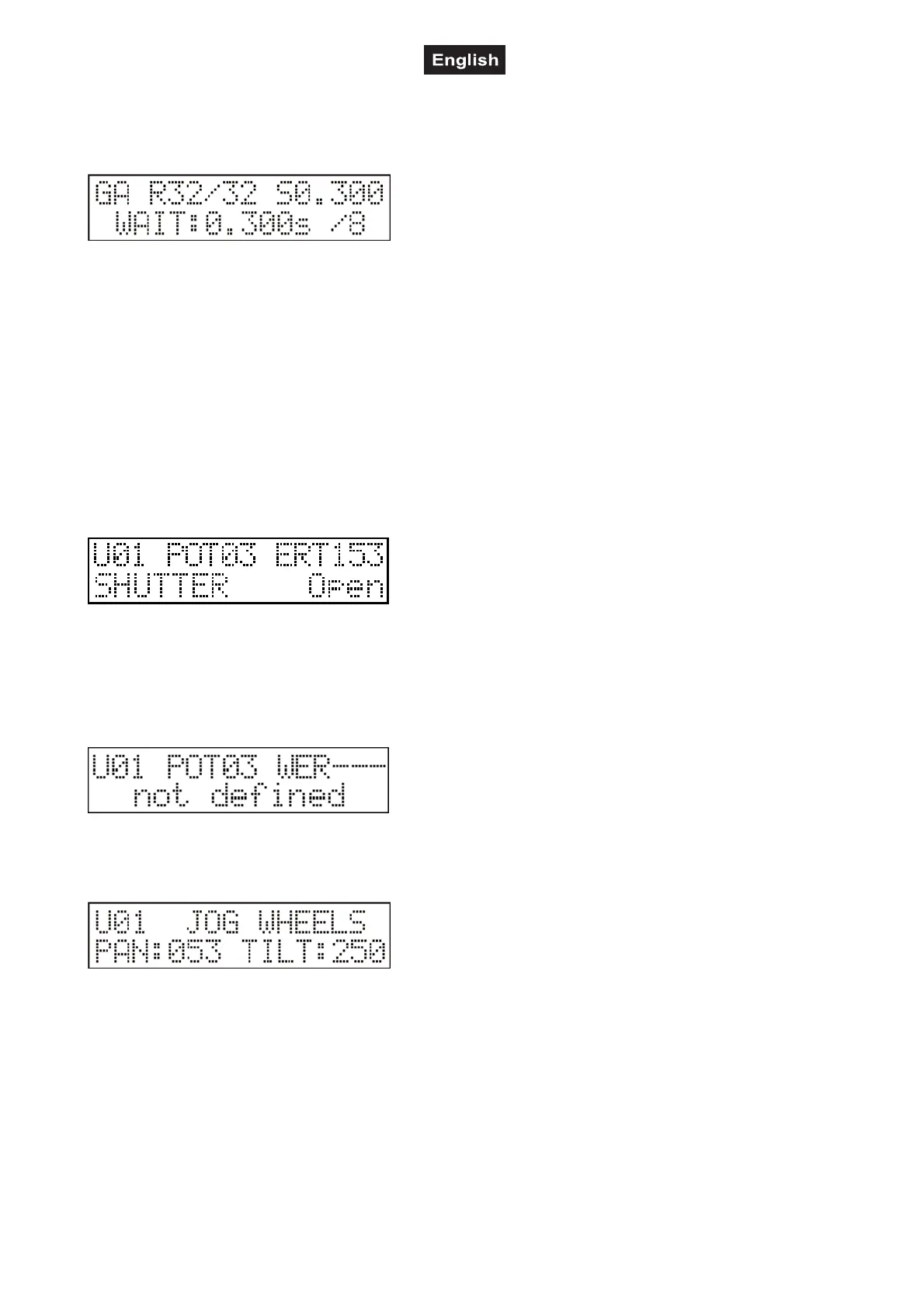
By pressing the RECORD button the preset scenes can be
started with buttons 1-32. In the upper line of the display the R
letter and then the started record number and its step appears.
If there is a running record and you press the PROGRAM
button you can read on the display the program numbers. If you start a program while you are running a
record, then the record will stop automatically.
If the RECORD button is kept pressed and you press any of buttons 1-32, the corresponding record will not
start but the controller will display the name of the record in the lower line, which can be given in the record
edition. Thus a record can be identified easily and there is no chance to call a wrong record accidentally!
Manual Mode
Enter the manual mode by pressing the MANUAL button. Here the channels of the units can be taken out
from the running program and their values can be changed with the potentiometers 1-8 and the jog discs.
After entering, the LED of the MANUAL button will glow with total intensity, indicating that the manual mode
is active. Units can be specified with buttons 1-16 (their LED’s will be flashing). If there is no unit selected the
caption ‘NO UNIT SELECTED’ appears on the display. Otherwise the value of the last modified channel of
the last selected unit appears on the display.
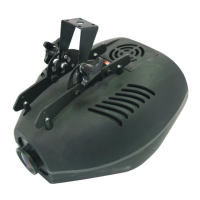
After letter ‘U’ (Unit) the serial number of the last selected unit appears. After the ‘POT’ the number of the
last moved potentiometer is shown, while the value of the channel controlled by the potentiometer is shown
at the corner. In the lower line the name of the last modified channel effect and the type name belonging to
the value appears.
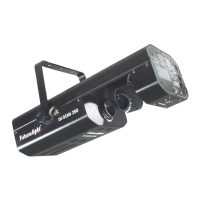
Channels of the specified units can be changed with the potentiometers 1-8, the current values become
immediately visible on the display. If you move a potentiometer, to which no is channel assigned to, no
channel value appears as that channel is not defined.
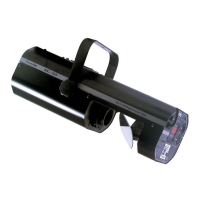
Beams can be directed with the jog discs. When they are moved, always the values of the PAN and TILT
channels are written on the display. The moving speed of the beam depends on the rotating speed of the jog
disc.
MANUAL SHAPE FUNCTION
It is possible to call the 64 shapes in manual mode. Press the MANUAL button for more than two seconds
until you will see on the upper line SHAPE. With buttons 1-32 and the PAGE button you can select a shape
form the 64. On the lower line you can see which unit carries out which shape. The shape started can be
stopped by pressing its button again. The shape parameters can also be modified by sliders 17-22.
Press MANUAL to advance to manual mode. Press the MANUAL button again and all manual channel
values will be deleted and all manual shapes will stop.


 To Next Page