EasyManua.ls Logo

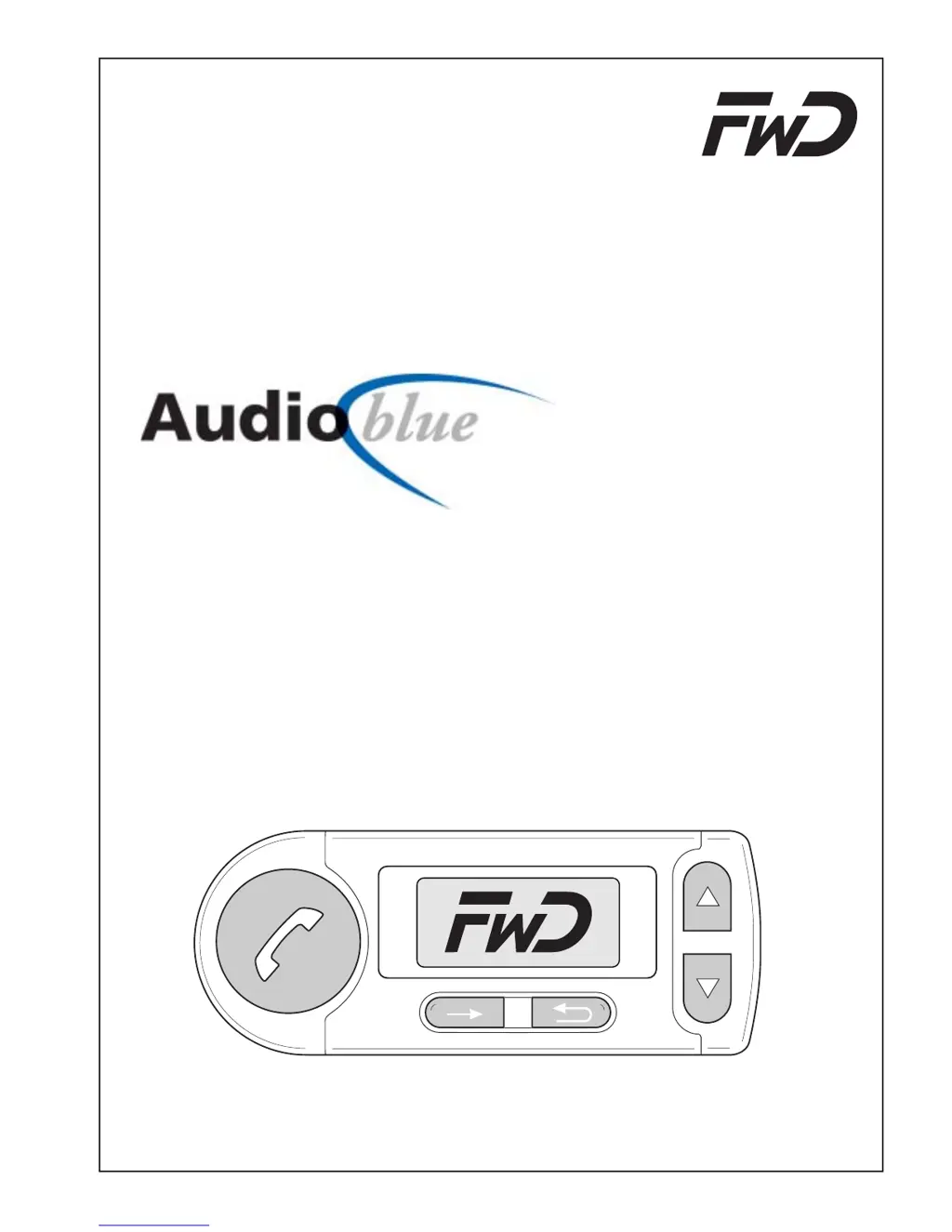
FWD Audio blue - User Manual

FWD Audio blue
116 pages
Go to English
Print Icon
To Next Page IconTo Next Page
Loading...
Funkwerk Dabendorf GmbH
Bluetooth
Bluetooth
Bluetooth
Einbauanleitung / Bedienungsanleitung
Installation Instruction / Operating Manual
Instructions de service / Manuel d'utilisation
Freisprechanlage
Hands Free Car Kit
Installation de téléphonie en mains libres
11980001.03

Questions and Answers

  • T
    Taylor KellyJul 30, 2025
    What to do if paired phone is not connected when ignition is turned on with FWD Audio blue?
    • A
      Aaron PowellJul 30, 2025
      If your paired phone isn't connecting to the FWD Automobile Accessories when you turn on the ignition, here are a few things to check: * Make sure your phone is within range of the Bluetooth adapter. * Ensure that Bluetooth is activated on your phone; the automatic setting might not be sufficient, so switch it on manually. * Confirm the connection on your phone if it's requesting confirmation, and consider deactivating the security query in your phone's settings. * If the connection code is no longer valid on either device, delete the other device from the paired devices list on both devices and restart the pairing process.
  • A
    alicewarrenAug 3, 2025
    How to fix unclear, scratchy sound on FWD Automobile Accessories?
    • D
      Debra BellAug 3, 2025
      If you are experiencing unclear, scratchy sound with your FWD Automobile Accessories, it might be due to a poor Bluetooth connection. Try reducing the distance between your phone and the Bluetooth adapter. Also, remove any metallic objects that could be causing interference.
  • C
    Crystal GonzalezAug 7, 2025
    Why does the person I am calling complain about echoes with FWD Audio blue Automobile Accessories?
    • W
      wmarquezAug 7, 2025
      If the person you are calling complains about echoes when using your FWD Automobile Accessories, it could be due to the microphone and speaker being too close together. Try increasing the distance between them or reducing the volume. Alternatively, reduce the microphone sensitivity at the electronics box.
  • D
    David BrownAug 12, 2025
    What to do if the person I am calling complains about interference noise using FWD Audio blue?
    • A
      Anne WilsonAug 12, 2025
      If the person you are calling complains about interference noise when using your FWD Automobile Accessories, the microphone might be in an air stream. Try mounting the microphone in a different location or reducing ventilation. It could also be that your phone is too close to the Audio blue parts or the car radio. Increase the distance between your phone and the Audio blue or radio.
  • Z
    zhebertAug 16, 2025
    Why can't the person I am calling hear me on FWD Audio blue?
    • B
      baldwinmarkAug 16, 2025
      If the person you are calling can't hear you when using FWD Automobile Accessories, ensure that the microphone is properly connected to the electronics box. If the microphone cable is damaged, it will need to be replaced.
  • R
    rebecca34Aug 20, 2025
    What to do if phone cannot find the "Audio blue" during pairing of FWD Automobile Accessories?
    • M
      Matthew RothAug 20, 2025
      If the phone cannot find the "Audio blue" during device pairing with FWD Automobile Accessories, it might not be in pairing mode. Initiate the device pairing. If that doesn't work, the phone may not support the set profile. Abort the pairing, set another device class, and try again.
  • S
    Steven PerkinsAug 25, 2025
    Why does my FWD Automobile Accessories Audio blue not switch on?
    • K
      Kimberly SmithAug 25, 2025
      If the Audio blue does not switch on, there could be a few reasons. First, check if there is a supply voltage. If necessary, replace the fuse and check the cable and connections. Another possibility is that the ignition is not turned on, so turn on the ignition. Finally, the ignition line might be interrupted, so check the cable and the 1A fuse.

Summary

Safety Instructions

General Safety Warnings

Key safety precautions for installation and operation to prevent damage or injury.

Additional Safety Considerations

Further warnings regarding cable integrity, electrical systems, and proper usage.

Operating Instructions

Initial Setup and Pairing

Guides for first-time operation and pairing with a mobile phone.

Menu Navigation and Functions

Instructions for navigating the menu, including dialing, messages, and call logs.

User Administration

Phoning Operations

Voice Control Functions

Technical Data

Hotline Support

Troubleshooting Guide

Common Issues and Solutions

Table of problems, their causes, and recommended remedies.

FWD Audio blue Specifications

General IconGeneral
BrandFWD Audio
Modelblue
CategoryAutomobile Accessories
Frequency Response20Hz - 20kHz
Signal-to-Noise Ratio>90dB
ConnectivityBluetooth