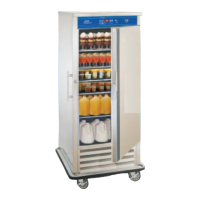
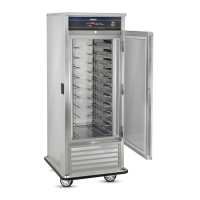
FWE MOBILE REFRIGERATORS AND FREEZERS
FOOD SENTRY CONTROLS
3
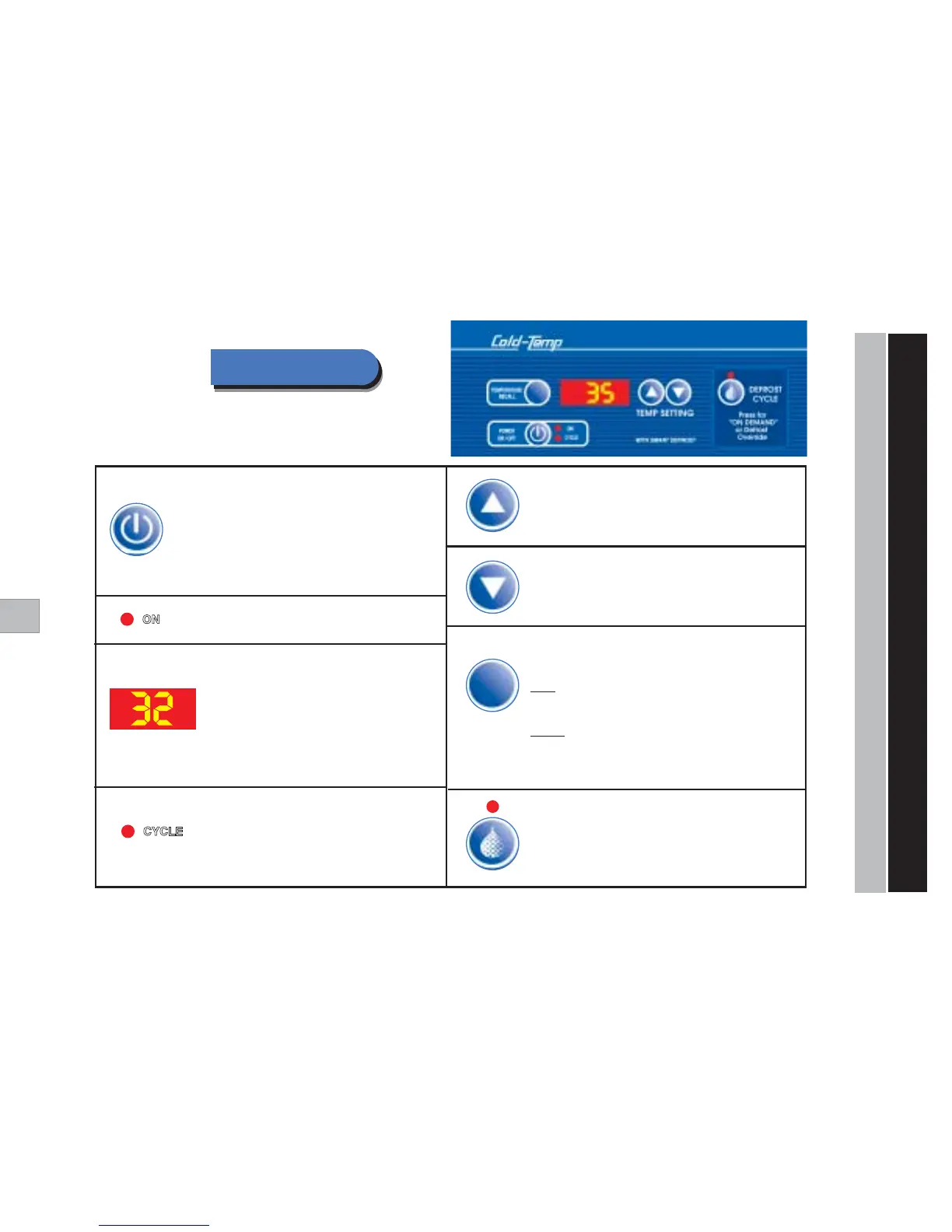
POWER ON / OFF - Tu r ns cabinet ON and OFF.
Also Changes Display to °Celsius or °Fahrenheit Scale:
You may change the Digital thermometer scale to either
°C or °F as follows: While unit is OFF, press and hold the
“ON/OFF” key
for five (5) seconds. The display will then
switch from
“dgF” to “dgC”
. Repeat to change scale again.
TEMPERATURE RECALL
Press to display either
“Actual Internal Cabinet”
actual temperature, or desired
“Set Point”
temperature.
Actual:
The factory default setting shows the actual internal cabinet temperature
and acts as a digital thermometer. A momentary touch of the
“Temp Recall”
key
will recall the original dial setting. The display will then automatically return to the
actual internal temperature.
Set Point:
To have temperature read-out display the
“Set Point”
temperature,
press and hold the
“Temp”
key for five (5) seconds. The fourth (4th) digit on the
display will flash either
“S”
(Set), or
“A”
(Actual) to indicate which mode is active.
To switch back again, repeat this step holding the
“Recall Temp Set”
key for five (5) seconds.
Power Indicator Light -
Indicates that the power is on.
Cycling Indicator Light -
When light is
“ON”
, this indicates that the
cabinet is cooling down to desired temperature.
When cooling elements are activated, light will
come
“ON”
until cabinet has reached desired
temperature, and go
“OFF”
when unit has
reached desired temperature.
TEMP SETTING - Lowering the Temperature
Press to lower the temperature of the cabinet.
TEMP SETTING - Raising the Temperature
Press to raise the temperature of the cabinet.
Activated red light indicates DEFROST is in progress.
DEFROST CYCLE - “ON DEMAND” DEFROST
Press to ACTIVATE DEFROST at any time.
Press to CANCEL DEFROST in progress (Defrost Override).
Q
Q
Q
UICK-
S
TART
GUIDE
“COLD-TEMP” FOOD SENTRY SYSTEM
Temp Display - Digital temperature display shows
the temperature of the cabinet.
“dgF” = Degrees
Fahrenheit
“dgC” = Degrees
Celsius
You may change the Digital thermometer scale to
either °C or °F as follows: While unit is OFF, press
and hold the
“ON/OFF” key
for five (5) seconds.
The display will then switch from
“dgF” to “dgC”
.
Repeat to change scale again.


 To Next Page
 Loading...