8
Staing test(Batte)
F1-WAVE
1/1
Current Voltage 12.05 V
Current Voltage
Max 12.08 V 12.05 V
Min 11.99 V
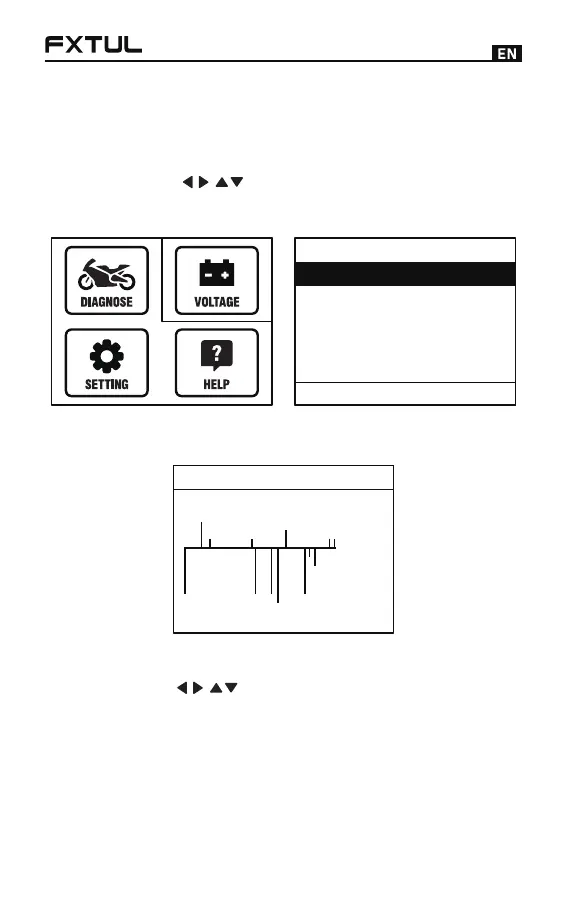
Voltage Detection
Press the [ ] key in the main menu to select
[Voltage Detection], and the OBD battery voltage can
be detected in real time (the screen is shown below).
●
After selecting the desired function, operate according
to the prompts.
●
Press [F1] to enter the waveform display (the screen is
shown below).
●
Settings
Press the [ ] key to select the [Settings] icon,
press the [OK] key, there are three functions: voice
switch, unit switch, and language selection (the screen
is shown below).
●



 To Next Page