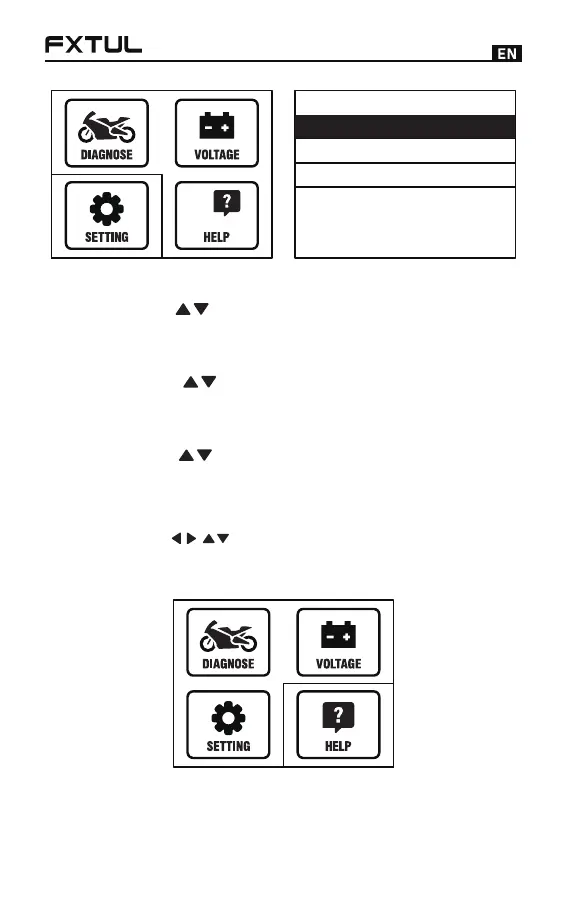
Setting
1/3
Voice
Unit
Language
9
Voice Settings
Press the [ ] key to select [Voice], press the [OK]
key to turn on or of f the voice.
●
Unit Settings
Press the [ ] key to select [Unit], press [OK] to
select metric / imperial units switch.
●
Language Settings
Press the [ ] key to select [Language], press the
[OK] key to select the language of dif ferent countries.
●
Help
Press the [ ] key to select the [Help] icon, press
the [OK] key to view the current system version and
software package version.
●



 To Next Page