13
Problem Check cause and solutions
No power Check the battery power Replace new one
Check the polarity position Installation for proper placement
of the batteries polarities
No inflation Whether the plug insert insert into the air socket tightly
Whether the plug broken or leak Change a new cuff
Err and stop working Whether move the arm when
Keep the body peaceful
Check if chatting when
Keep quite when measure
Whether the cuff wrap too loose
Please contact the distributor if you can't solve the problem, do not disassemble the unit by
yourself!
SYMBOL DESCRIPTIONS
The following symbols may appear in this manual, on the Digital Blood Pressure Monitor C02 / FB160, or
on its accessories. Some of the symbols represent standards and compliances associated with the
Digital Blood Pressure Monitor C02 / FB160 and its use.
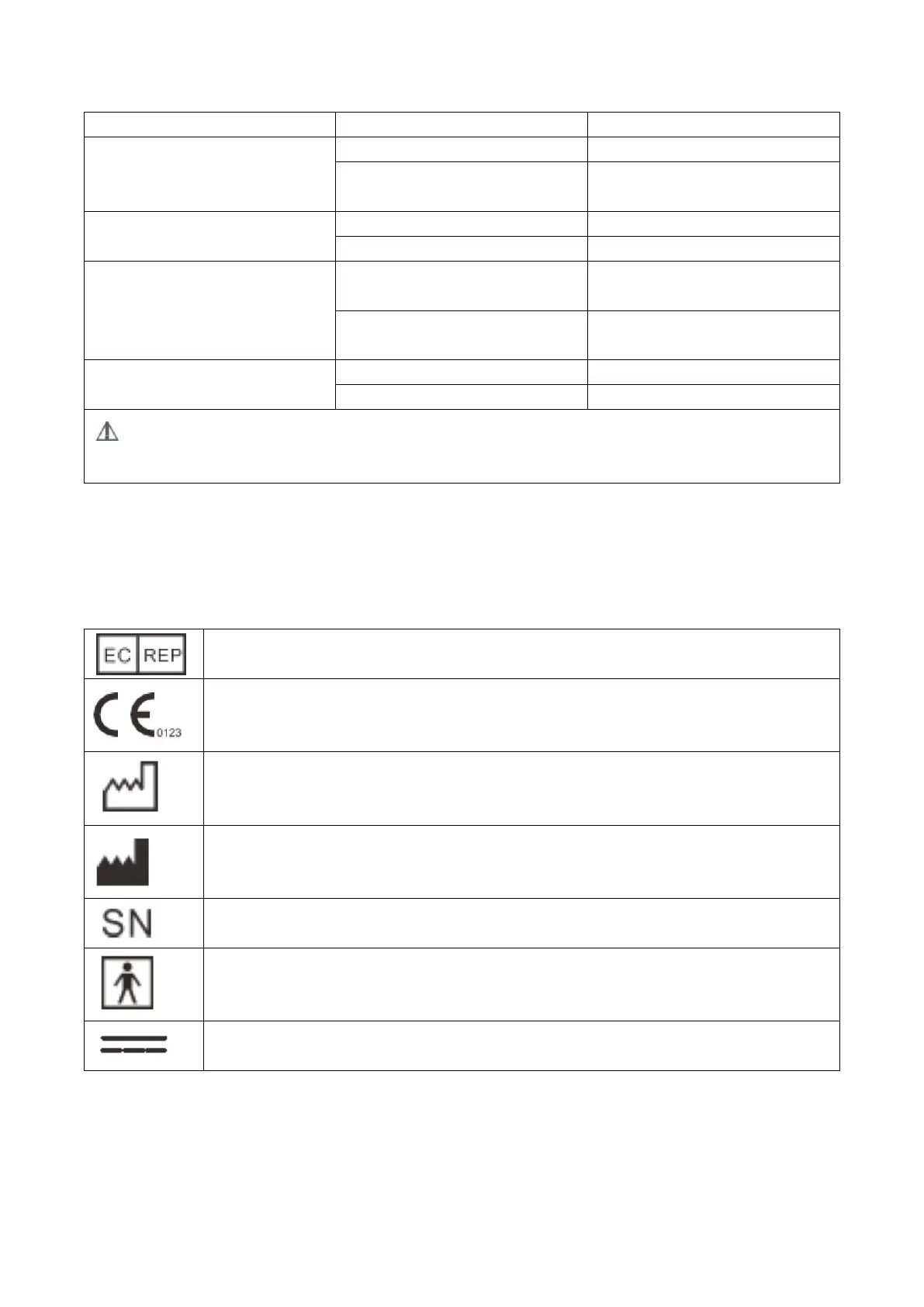
Authorized Representative in the European Community
CE Mark: conforms to essential requirements of the Medical Device Directive
93/42/EEC.
Date of manufacture.
Manufacturer
Specifies serial number
Type BF applied part
Direct current


 To Next Page