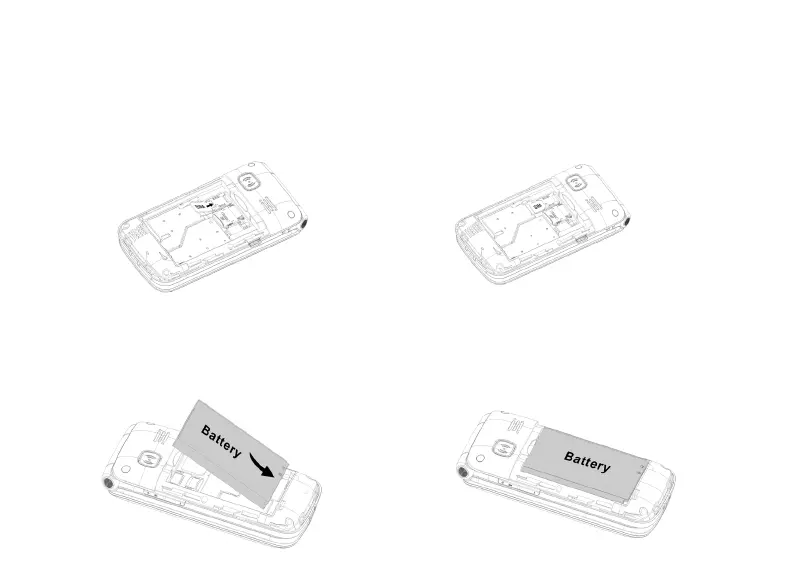
Installing the SIM card
1. Insert the SIM card into the SIM card slot upon the memory card holder.
(Make sure the card is facing inwards.)
2. First, turn off the phone before taking out the SIM card.
Installing the battery
When you use the phone for the first time, charge the battery for 4 hours to achieve the
best state of the battery. Remove the battery cover, insert the battery into the battery
compartment and replace the cover.



 To Next Page