71
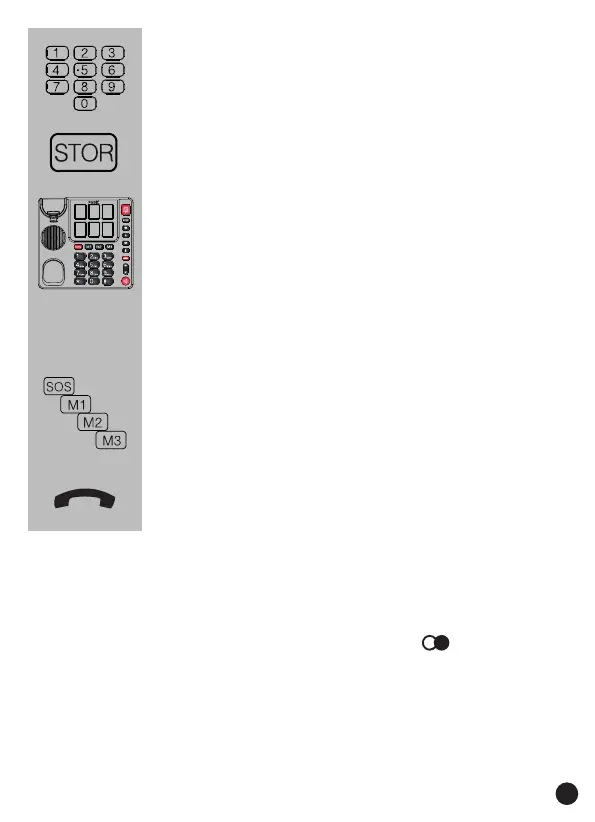
enter the number using the keypad
press 1x the STOR button
press one of the 6 photo buttons to
store the number as a photo button
memory
or
press one of the 4 direct memory
buttons to store the number as a
speed-dial number
put down the receiver
if you want to add a dial pause to the number, e.g.
because the phone is connected through a home
or oce switchboard and 0 must be pressed rst
to get an outside line, then press the button at
that position in the phone number; while dialling,
the telephone will pause for at least 2.5 seconds


 To Next Page