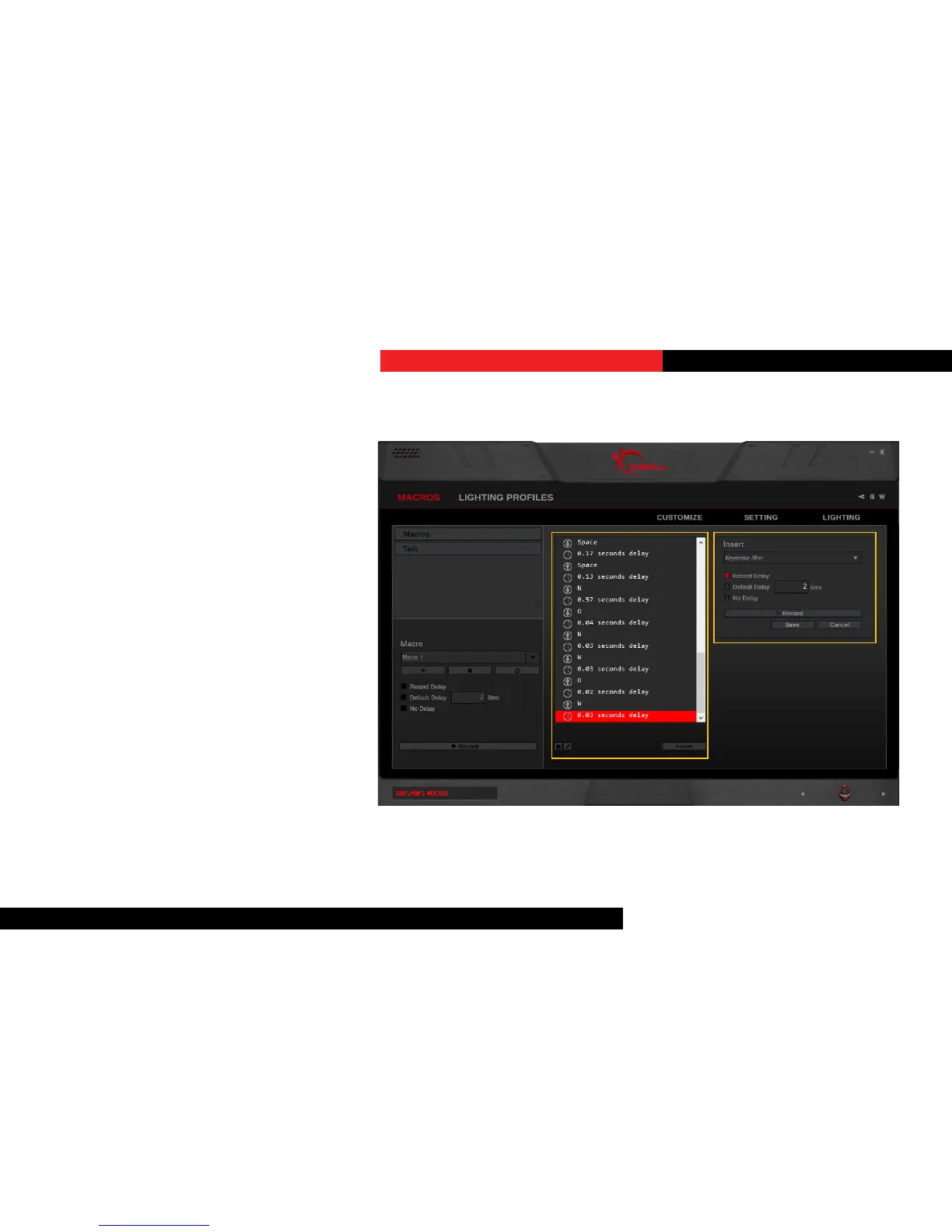
EditaMacro
You can delete or edit a specic macro
command by clicking on the trash bin icon
or the pencil icon, respecvely, on the
boom of the middle column.
InsertKeystrokesinMacro
Click on the keystroke you wish to edit.
Then click “Insert” on the boom of the
middle column. Opons will appear in
the right column to allow inserng before
or aer the currently selected keystroke.
Then click on “Record” in the right column
to record and insert addional keystrokes.
Click “Save” to save the changes.
Macros (Keystroke)



 To Next Page