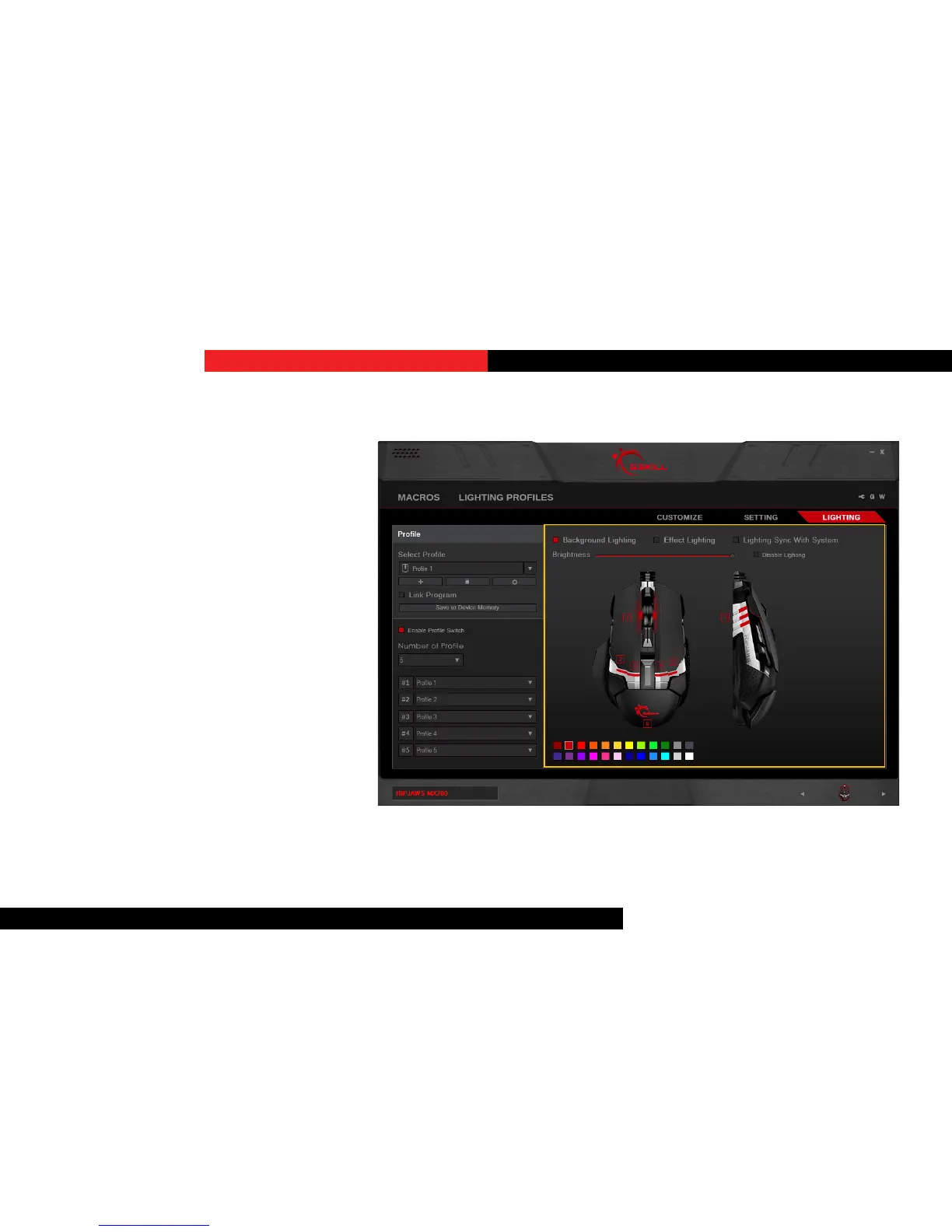
IntroducingLighng
Lighng may be customized and applied
to your mouse. There are opons to
easily set a single overall color, individual
lighng, or eect lighng from lighng
proles.
“Background Lighng”, “Eect Lighng”,
and “Lighng Sync With System” are
available lighng opons.
Note: Please make sure to select the
correct prole before making changes to
lighng. Any changes to lighng will aect
the currently selected prole. Please also
make sure to “Save to Device Memory” to
ensure lighng is correctly applied to the
mouse.
Lighting


 To Next Page