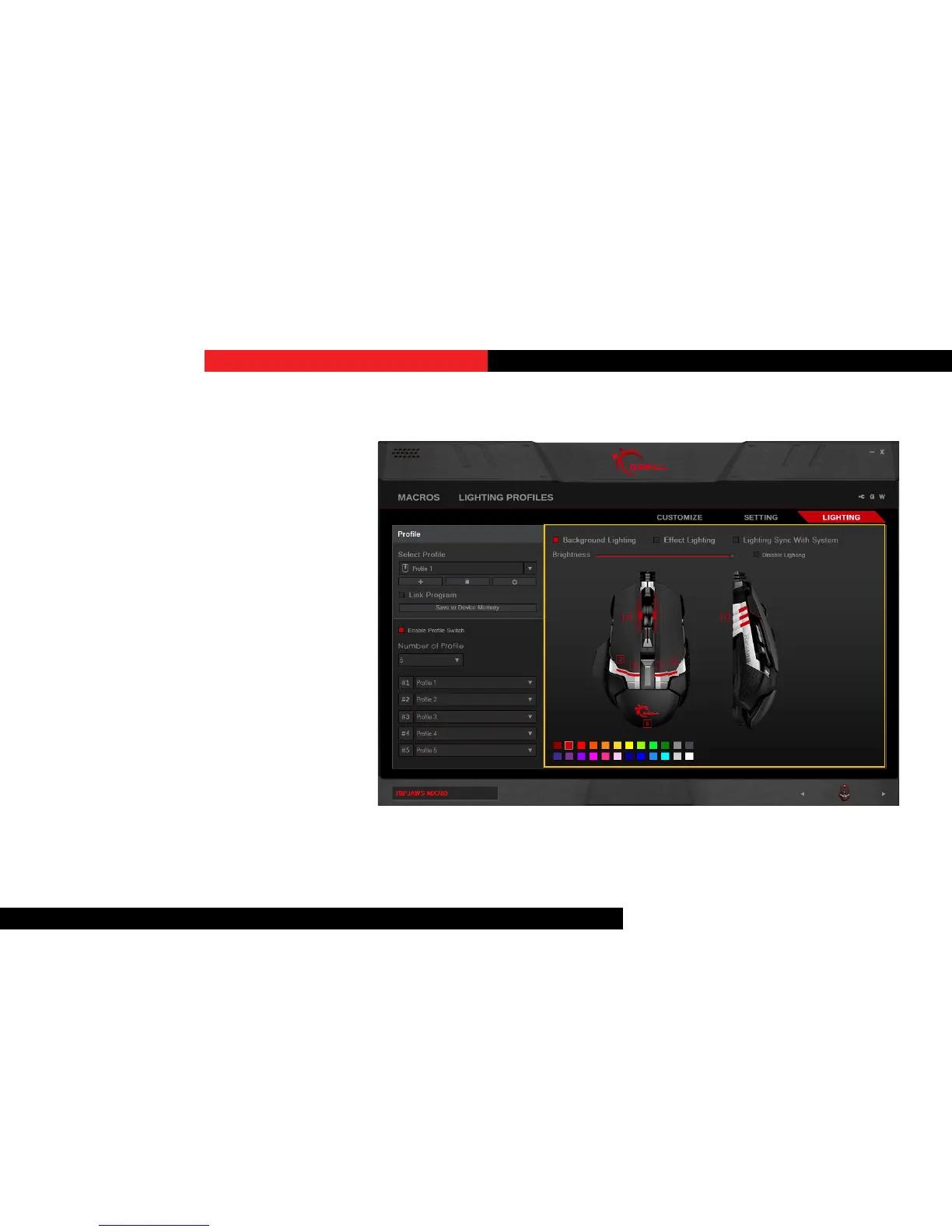
BackgroundLighng
Choosing this opon enables stac lighng
on the mouse.
ApplyColorLighng
To apply a color lighng, click to select a
desired color on the boom, then click
on the desired lighng zone to apply that
color.
Single clicks will enable and disable
lighng to that parcular light. So applying
a new color will need two clicks to assign a
new color.
Lighting



 To Next Page