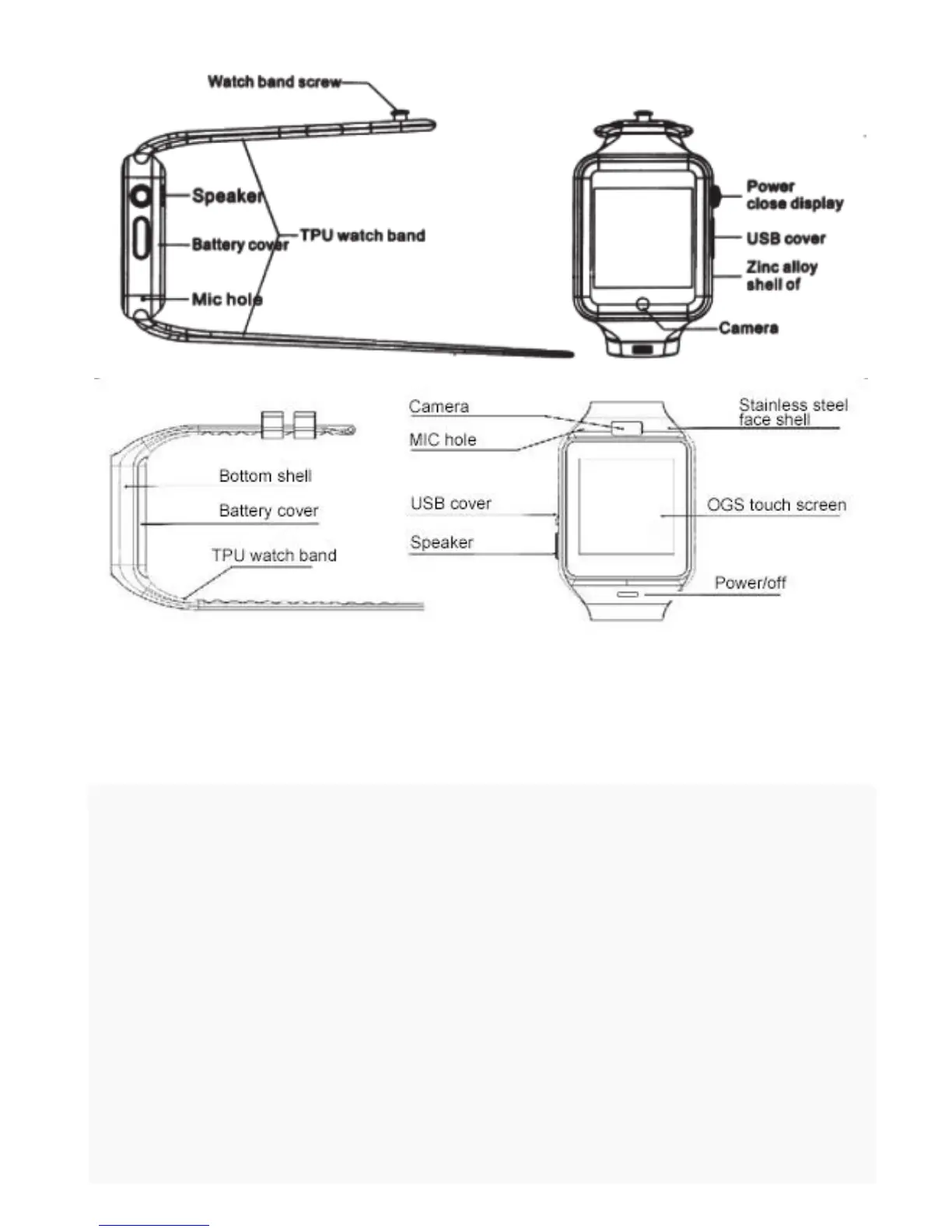
Power button: open, shutdown; wake up, destroy the screen; return to the
main menu;
USB port: charging, data function;
Touch screen: capacitive touch screen, the function can be achieved on the
capacitive touch screen operation.
2.2 product rapid access
Boot, left to right drag into the next page menu, from the top down, into the
notification bar;
2.3 product dial settings
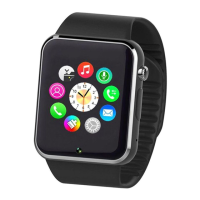
Click on the dial interface to replace the dial


 To Next Page