EasyManua.ls Logo

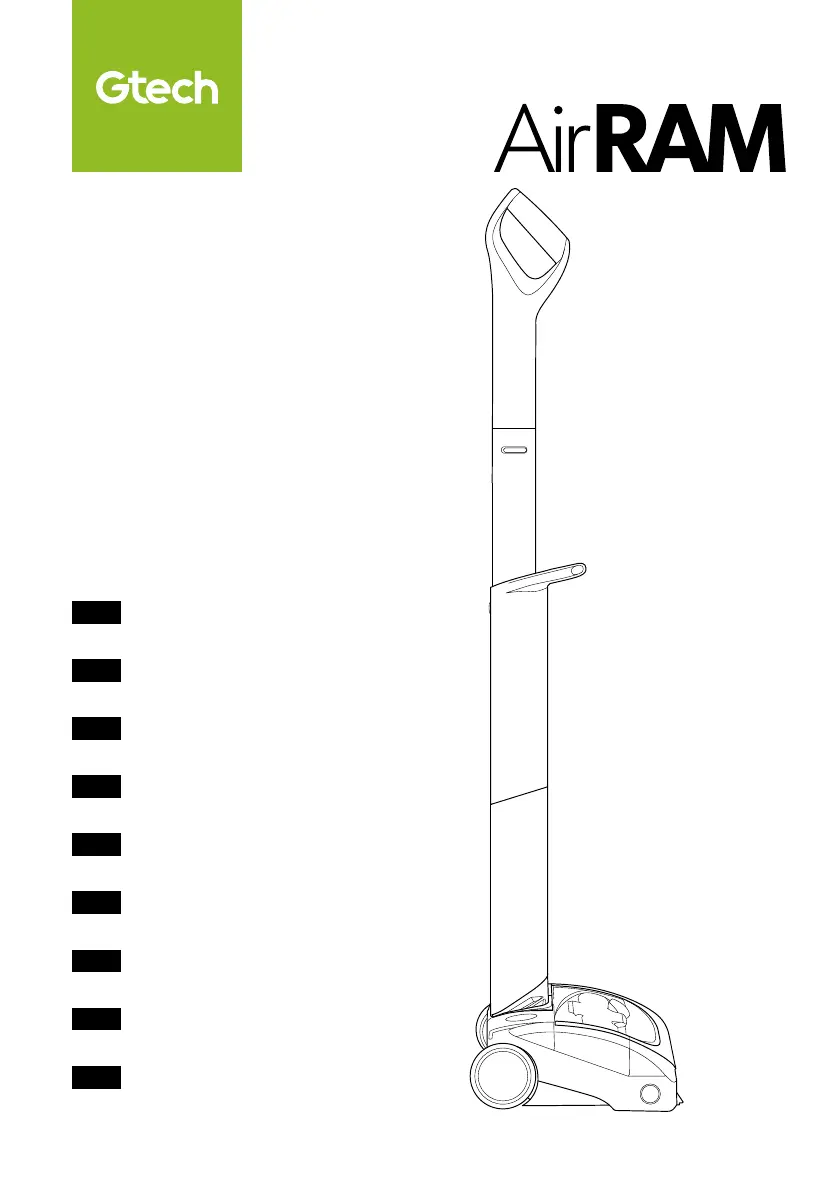
G-Tech AirRAM - User Manual

G-Tech AirRAM
60 pages
Print Icon
To Next Page IconTo Next Page
Loading...
OPERATING MANUAL
Original Instructions
BETRIEBSANLEITUNG
Originalanleitung
MANUEL D’UTILISATION
Instructions originales
MANUALE OPERATIVO
Istruzioni originali
MANUAL DE INSTRUCCIONES
Instrucciones originales
MANUAL DE UTILIZAÇÃO
Instruções originais
GEBRUIKSHANDLEIDING
Originele instructies
INSTRUKCJA OBUGI
Instrukcja oryginalna
MANUAL DE UTILIZARE
Instrucțiuni originale
Model Number
Modellnummer
Numéro de modèle
Numero modello
Número de modelo
Número do modelo
Modelnummer
Numer modelu
Numărul modelului
AR29/AR30
ENG
DEU
FRA
ITA
ESP
POR
NED
POL
ROM

Questions and Answers

  • T
    Travis WhitneyJul 29, 2025
    What to do if my G-Tech AirRAM Vacuum Cleaner has stopped or won’t work?
    • G
      gabrielcolemanJul 29, 2025
      If your G-Tech Vacuum Cleaner has stopped working, ensure the battery is charged. Also, clear any debris from the brush bar.
  • A
    Anna CabreraAug 8, 2025
    How to improve cleaning performance of G-Tech AirRAM Vacuum Cleaner?
    • C
      chris80Aug 8, 2025
      If your G-Tech Vacuum Cleaner isn't cleaning well, try these steps: * Empty the bin. * Check that the bin and filter are correctly fitted. * Clean or replace the filter. * Check the brush bar fitment.
  • C
    Christopher PhamAug 17, 2025
    Why isn't my G-Tech AirRAM Vacuum Cleaner battery charging?
    • R
      Randall LambertAug 17, 2025
      If the battery of your G-Tech Vacuum Cleaner will not charge, first check that the charger is correctly connected to both the battery and the mains supply. Also, check the wall socket to ensure it is working.

Summary

IMPORTANT SAFEGUARDS

Personal safety

Basic safety precautions for personal use and handling of the appliance.

Electrical safety

Safety guidelines related to the charger and electrical components.

Battery safety

Precautions for handling and using the battery to prevent hazards.

Service

Intended use

Assembly

Assembly (continued)

Further steps for assembling the appliance components.

Storage

Operation

Removing the battery

Refitting the battery

State of charge

Battery charging

Emptying the bin

Cleaning the filters

Replacing the filters

Brush bar is jammed

Removing and cleaning the brush bar

Scented cartridge

Scented cartridge refills

Information about replacement cartridges and safety warnings.

Product care

Troubleshooting

Product is not cleaning well

Steps to resolve issues with the product not cleaning effectively.

Product has stopped or wont work

Solutions for when the product unexpectedly stops or fails to operate.

Battery will not charge

Steps to diagnose and fix issues with the battery not charging.

Product support

TECHNICAL SPECIFICATION

G-Tech AirRAM Specifications

General IconGeneral
BrandG-Tech
ModelAirRAM
CategoryVacuum Cleaner
LanguageEnglish