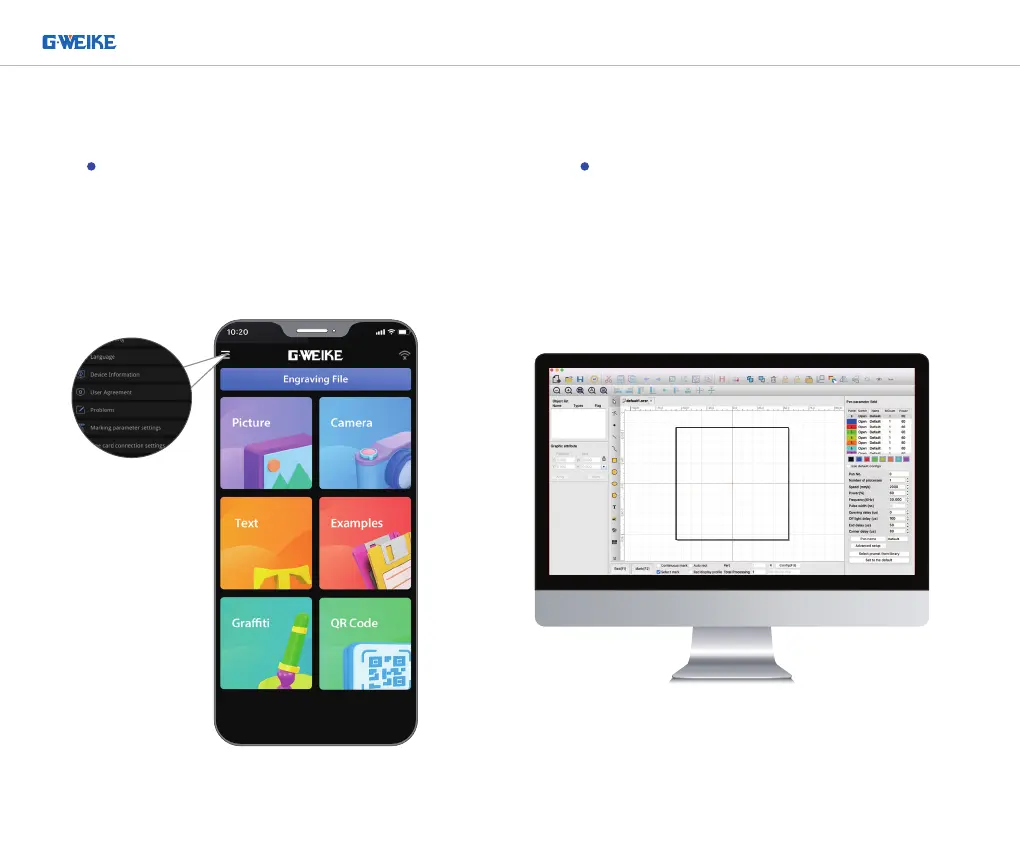
Mobile APP Connection
Make sure the device has been installed,
connect the power supply, open the APP
(GLaser). Setting up the board connection
following the instructions. The device WiFi is
"G_Laser", and the password is "12345678".
Tips: When using
the Mobile APP to
connect, the USB
cable should be
disconnected to
the PC.
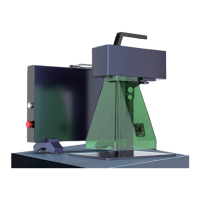
PC APP Connection
Make sure the device has been installed,
connect the power supply, use the USB
cable to connect to the PC, and open the
application GLaser.exe.
PORTABLE BUT INDUSTRIAL LASER MARKING MACHINE


 To Next Page