Receiving a Call
Note: Your watch can only make and
receive calls from phone numbers on the
Contact list. You can manage the contacts
in the MyGabb App on your phone.
Note: Making and receiving calls and
messages requires a network connection.
Receiving a Message
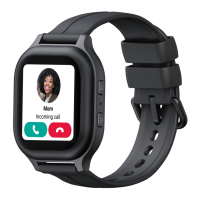
When someone calls the watch, it
will ring and the screen will show the
caller name.
When the watch receives a new
message, it will appear on the screen.
Tap to reply or
to call back, or to close the message.
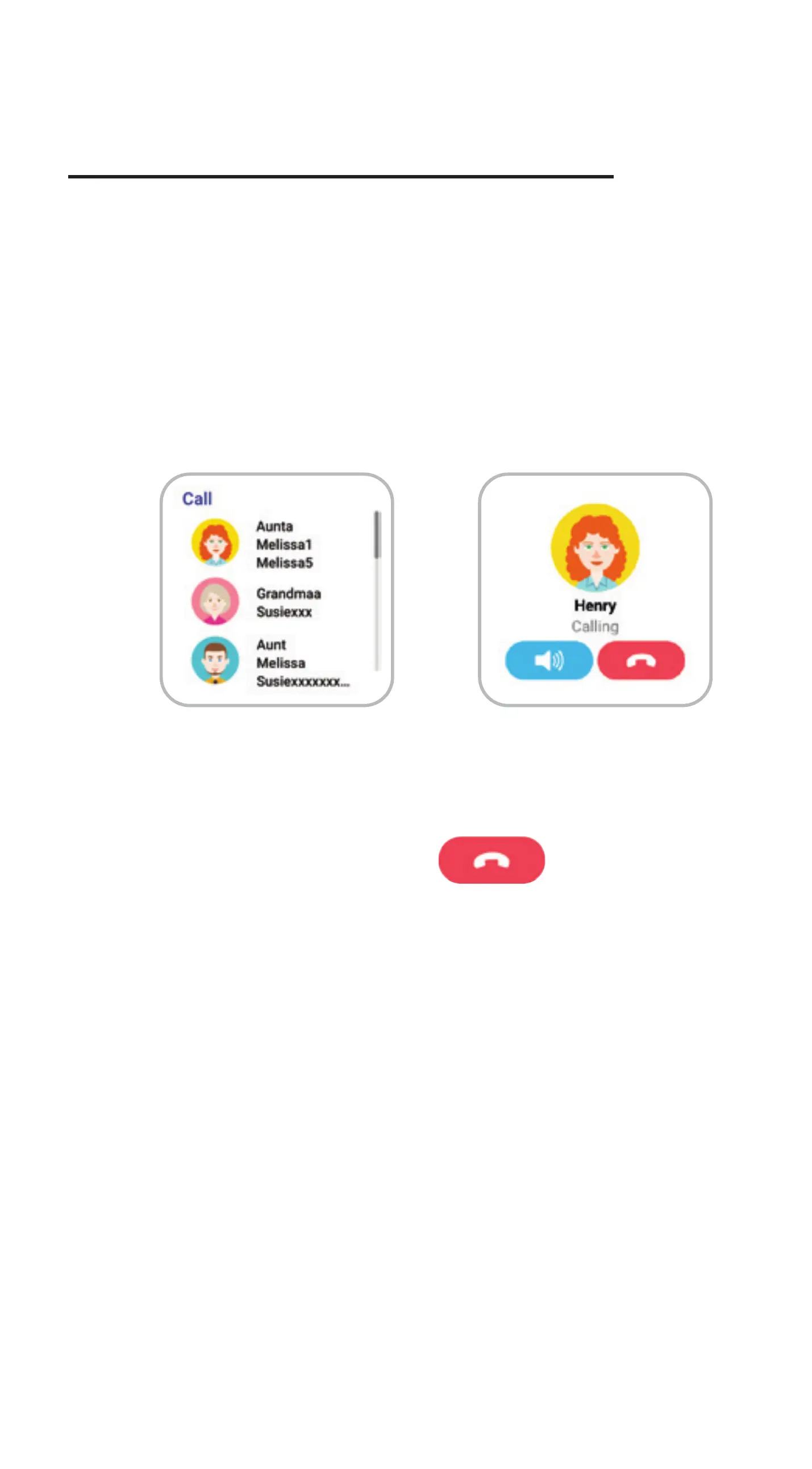
Making a call
From the watch face, swipe left to
the Call screen. Then tap the contact
you want to call. To start the call, tap
the phone icon.
To end the call, tap .
1.
2.
Tap to answer the call.
Tap to reject or end the call.
To adjust the volume during the
call, tap
To send a pre-written message,
tap .
To send an emoji, tap .
To send a voice mesage, tap .
Sending a Message
From the watch face, swipe left three
times to the Message screen. Then tap
the contact you want to message.
Choose what you want to send:
1.
2.
Note: The watch can only exchange
messages with contacts whose permission
is allowed. You can manage contact permissions
with the MyGabb App.
Gabb Go
From the watch face, swipe right twice
or left four times to get to the Gadgets
screen where you will see the Gabb
Go logo.
Tap the icon and choose a selection of
a dog or cat and select the pet’s name.
Petting, feeding, and washing the pet,
finishing tasks and hitting your step
count goal, all result in receiving coins.
Buddy
Pal
Scout
Tap the Star icon on the Top Left
To pet the animal, tap
To feed the animal, tap
To wash the animal, tap
Tap the Coin icon on the Top Right
to Access the Pet Store
and Activities Screen.
From the app, tap the
hamburger menu on the
top right and select “Support”
to learn more.
From your computer,
visit gabbwireless.com/my-account
to manage your account,
track your usage, edit account
information, pay your bill and more.
From your computer, visit
gabbwireless.com/support
or email us at:
support@gabbwireless.com
The pet store allows you to see your
coin amount and purchase new pets
and actions/mystery moves.
The activities screen shows the
number of steps you’ve taken in the
day and the tasks assigned to you.
Support and More Additional Information
Your wireless device and third-party services.
Gabb Wireless is the mobile carrier associated
with this wireless device, but many services
and features oered through this device are
provided by or in conjuction with third parties.
Gabb Wireless is not responsible for your use
of this device or any non-Gabb Wireless
applications, products and services, including
any personal information you choose to use,
submit or share with others. Specific
third-party terms and conditions, terms of use
and privacy policies apply. Please review
carefully all applicable terms, conditions and
policies prior to using this wireless device and
any associated application, product or service.
ZTE and the ZTE logos are trademarks of ZTE
Corporation. Other trademarks and trade names
are the property of their respective owners.
© 2022 Gabb Wireless. All Rights Reserved.


 To Next Page
 Loading...