EasyManua.ls Logo

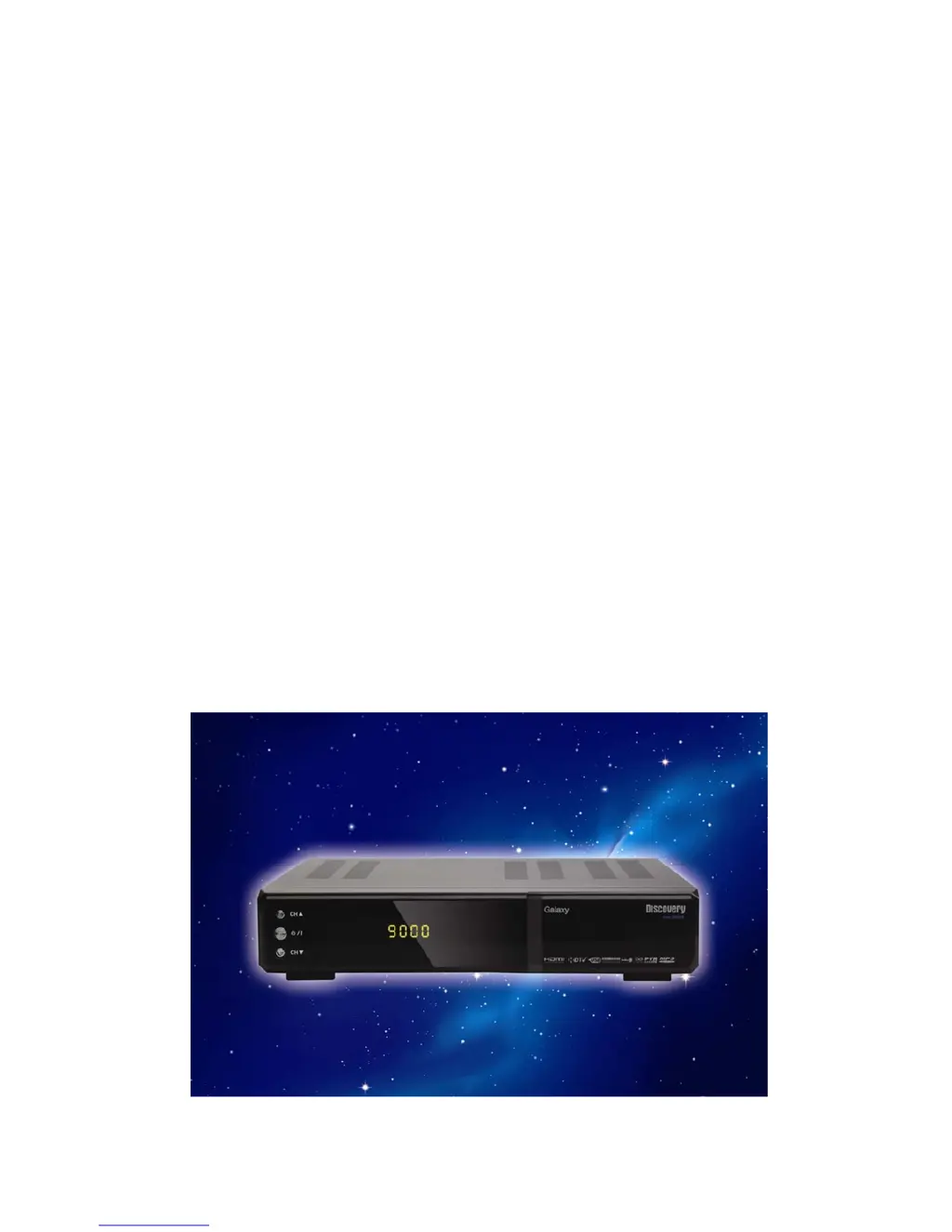
Galaxy Digital HD Satellite Receiver - User Manual

Galaxy Digital HD Satellite Receiver
32 pages
Print Icon
To Next Page IconTo Next Page
Loading...
1
Users Manual
Digital HD Satellite Receiver
Galaxy

Questions and Answers

  • L
    Lisa WilliamsJul 31, 2025
    Why does my Galaxy Digital HD Satellite Receiver have no picture or sound?
    • T
      timothymitchellAug 1, 2025
      If your Galaxy Receiver shows no picture or sound, it might be due to several reasons. First, check the connections of the Scart, HDMI, and antenna cables to ensure they are correctly connected. If the signal is weak, verify all cable connections. Also, make sure the antenna direction is properly adjusted. Finally, confirm that the channel settings are accurate.
  • D
    denise95Aug 8, 2025
    What to do if the Galaxy Receiver remote controller is not working?
    • B
      barbara19Aug 8, 2025
      If the remote controller for your Galaxy Receiver isn't working, the batteries might be exhausted; try changing them. Another cause might be interference from fluorescent lights; try switching them off. Also, make sure you are aiming the remote control directly at the receiver.
  • D
    Dennis HooperAug 15, 2025
    Why is my Galaxy Digital HD Satellite showing a black and white screen?
    • S
      smithelizabethAug 15, 2025
      If your Galaxy Receiver displays a black-and-white screen, it could be that your TV mode is different from the broadcasting mode. To resolve this, use a TV that supports the same mode.
  • Y
    ywilliamsAug 22, 2025
    How to fix a distorted menu screen on my Galaxy Digital HD Satellite?
    • B
      brian35Aug 22, 2025
      If the menu screen on your Galaxy Receiver is distorted, it's likely due to the brightness and contrast levels on your TV being too high. Adjust the brightness and contrast to a lower level to resolve this issue.

Summary

1- OVERVIEW

3. FOR YOUR SAFETY

Provides essential safety precautions for using the satellite receiver.

5. HOW TO USE THE REMOTE CONTROL KEY

Details the functions of each button on the remote control.

2 - OPERATING

1. Start Up

Guides the user through the initial setup and power-on procedure for the receiver.

2. Installation

Covers the process of installing channels and setting up the antenna.

2.3 Antenna Setup

Configures antenna settings including LNB, DiSEqC, and polarity.

3. Edit Channel

Provides options to manage, sort, rename, and lock channels.

7. HDD (PVR)

Manages recorded content, storage information, and PVR settings.

8. PVR

Details functions related to Personal Video Recording, including playback.

5- TROUBLE SHOOTING

No Picture or Sound

Addresses issues related to missing video or audio output.

The remote controller is not working

Provides solutions for a non-functional remote control.

Not working

Offers general troubleshooting steps for the unit not functioning.

Galaxy Digital HD Satellite Receiver Specifications

General IconGeneral
BrandGalaxy
ModelDigital HD Satellite Receiver
CategoryReceiver
LanguageEnglish