Mobile phone provider - choosing a suitable SIM card
Communicaon between the Fence Control and the phone takes place via the GSM or LTE-M mobile
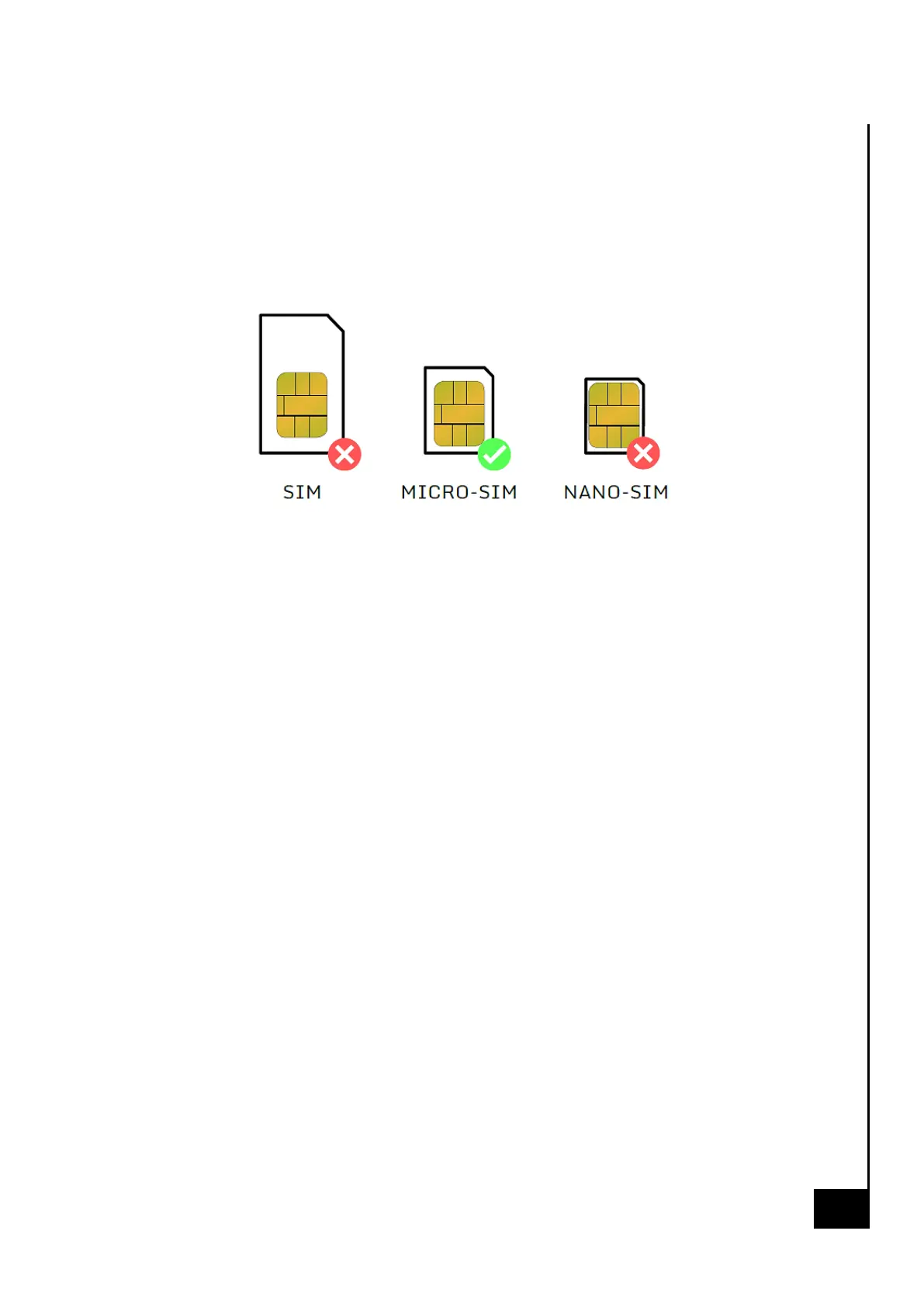
phone network - depending on availability. For this, a micro-SIM card must be inserted in the Fence
Control.
When inserng the SIM card, make sure it is in the correct posion and lock the SIM card holder as
described on the label inside the Fence Control.
PIN is not allowed:
The inserted SIM card must not have an acve PIN code. All commercially available mobile phones
can delete the PIN code of the SIM card. Insert the SIM card in your mobile phone and refer to your
mobile phone's user manual to see how to delete the PIN code of the SIM card. If this does not work,
contact your mobile phone operator.
Credit required:
The Fence Control supports prepaid cards and rate cards. Make sure that
you have enough credit for text messages and data volume. You can use your mobile phone
provider's online portal to check the remaining available credit.
When "web" is acve (see page 12), Fence Control consumes a maximum of 500MiB data per month.


 To Next Page
 Loading...