《English》
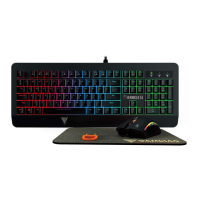
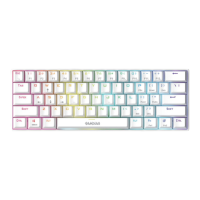
Thank you for purchasing the GAMDIAS™ ARES P2. The GAMDIAS ARES P2 gaming
keyboard has a comfortable design and spill resistant structure. The GAMDIAS™
optical gaming mouse employs premium micro-processor complemented by 3,600
DPI precision-perfect optical sensor.
System Requirements
● Windows ® XP/ Vista / 7 / 8 / 10
● PC with USB ports
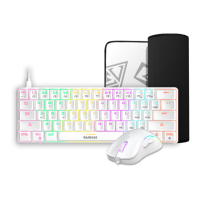
Package Contents
● GAMDIAS™ ARES P2 Gaming Keyboard
● GAMDIAS™ Optical Gaming Mouse
● GAMDIAS™ Optical Gaming Mouse Mat
Introduction to ARES P2 Keyboard Configuration
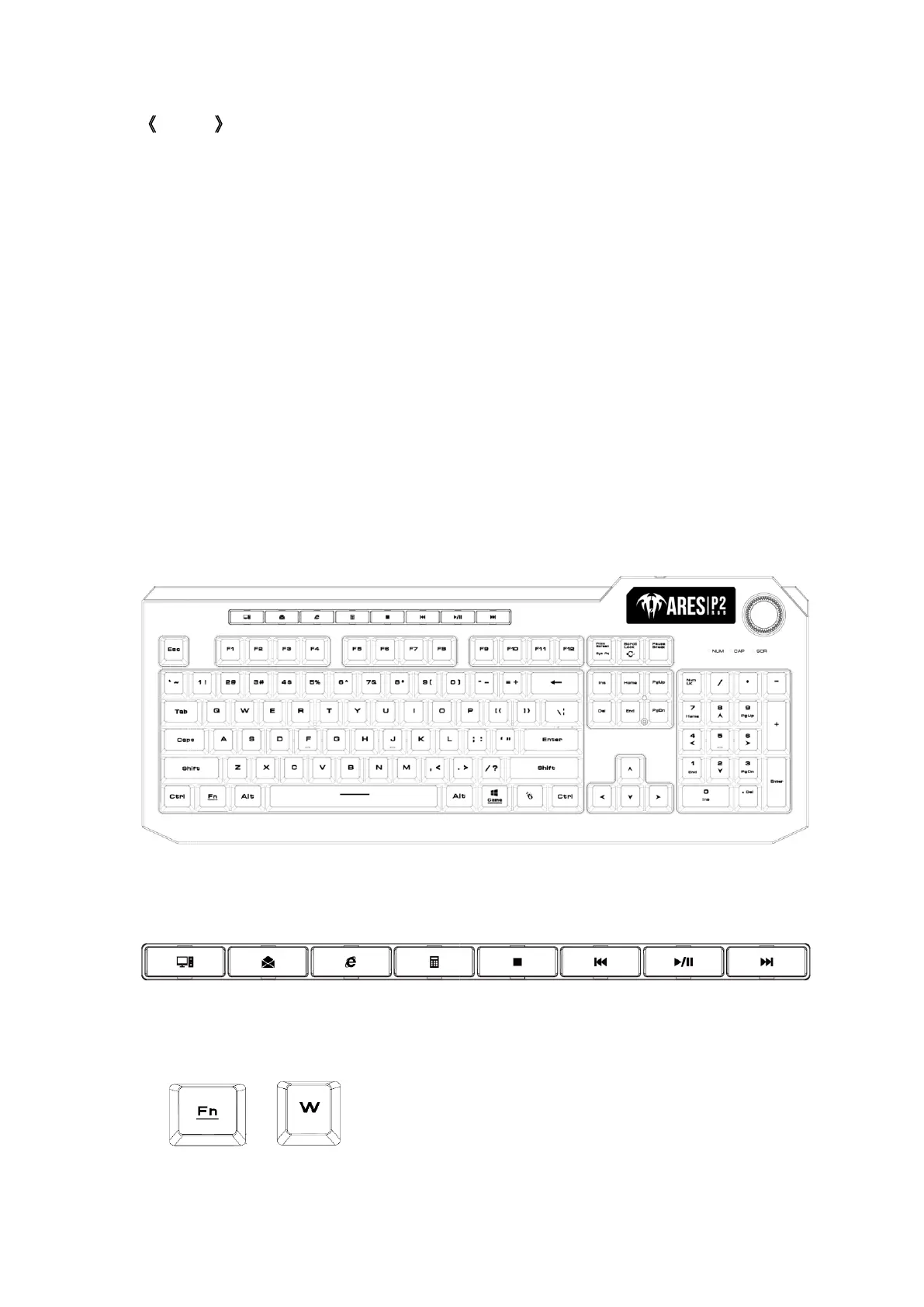
GAMDIAS ARES P2 Keyboard Layout
A. Eight multimedia shortcut keys:
My Computer, Email, Home, Calculator, Stop, Previous, Play/Pause, Next
B. Swap between WASD and arrow key modes:
Press [Fn + W] once to enable swap mode. Press again to disable
+



 To Next Page