English
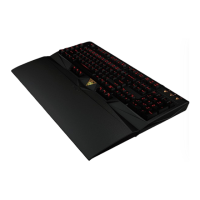
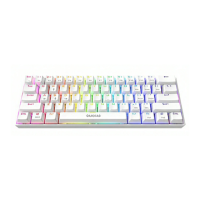
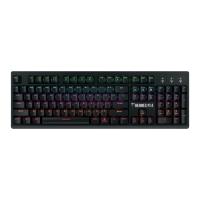
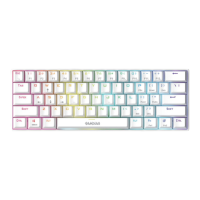
Thank you for purchasing the GAMDIAS™ HERMES P3 mechanical gaming keyboard.
The new HERMES P3 keyboard is designed by combining user's fundamental
requirements and features of the HERMES series mechanical keyboard as well as
compact keypad. All these are aimed at enhanced mobility, comfort operation, and
spatiality.
Your HERMES P3 comes with two programmable macro keys (FN+G1/G2), which
enable playing preset macros while gaming. Its portable profile and macro saves can
be shared with other gamers or automatically backed up to your computer.
System Requirements
● Windows ® XP/ Vista / 7 / 8 / 10
● PC with USB ports
● Internet connection (used to install the HERA software)
● GAMDIAS™ HERA software
Package Contents
● GAMDIAS™ HERMES P3 Mechanical Keyboard
● Keycap puller
Hardware and Software Installation
1. Insert the USB plug of the GAMDIAS™ HERMES P3 keyboard into an available USB
port on the computer.
2. The “New Hardware Found” notification will be displayed. Follow the instructions
on the screen to complete the hardware installation.
3. Connect to the GAMDIAS™ website (http://www.GAMDIAS.com) and download
the latest version of HERA software.
4. Start installing the GAMDIAS™ HERA software and follow the instructions on the
screen to complete.
Introduction to HERMES P3 Keyboard Configuration
A. Six sets of customizable gaming profiles: PF1~PF6
+
B. Six multimedia shortcut keys: Previous track, next track, play/pause, mute,
decrease volume, increase volume
+



 To Next Page