Need help?
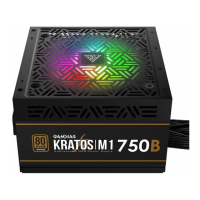
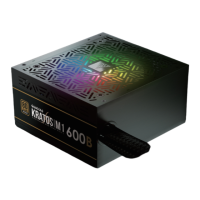
Do you have a question about the GAMDIAS KRATOS M1-600B and is the answer not in the manual?
Ensure the system is turned off and all power cables are unplugged before installation.
Illustrates the physical process of securing the power supply unit within the computer case.
Details the 20+4 pin and 20 pin connectors for motherboard power supply.
Explains the 4+4 pin and 4 pin connectors used for CPU power delivery.
Covers the 6+2 pin and 6 pin connectors for graphics processing units.
Shows the connectors for SATA storage devices and other peripherals.
Illustrates Molex connectors for older components and case accessories.
Identifies the connector for Floppy Disk Drives.
Guide to connecting and synchronizing RGB lighting with motherboard software.
Instructions on switching between motherboard sync and built-in RGB effects.
Steps to connect the PSU power cord to the electrical outlet.
Locating and activating the main power switch on the power supply unit.
 General
| Brand | GAMDIAS |
|---|---|
| Model | KRATOS M1-600B |
| Category | Power Supply |
| Language | English |

 To Next Page