Need help?
Do you have a question about the GAMDIAS Zeus E2 and is the answer not in the manual?
Connect the GAMDIAS™ ZEUS E2 to your PC using a USB port for initial setup.
Follow the on-screen prompts after the 'found new hardware' notification appears.
 General
| Purpose | Gaming |
|---|---|
| Scroll type | Wheel |
| Buttons type | Pressed buttons |
| Polling rate | 125 Hz |
| Buttons quantity | 6 |
| Device interface | USB Type-A |
| Number of scroll wheels | 1 |
| Movement detection technology | Optical |
| Buttons durability (million clicks) | 3 |
| Power source | Cable |
| Cable length | 1.5 m |
| Form factor | Right-hand |
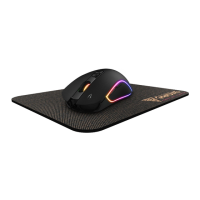
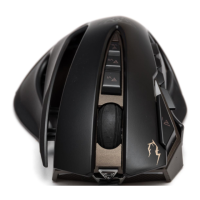
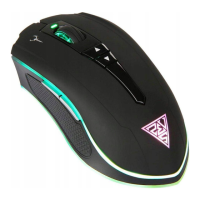
| Illumination | Yes |
| Product color | Black |
| Illumination color | Multi |
 Weight and Dimensions
| Depth | 118 mm |
|---|---|
| Width | 67 mm |
| Height | 38.5 mm |
| Weight | 105 g |

 To Next Page