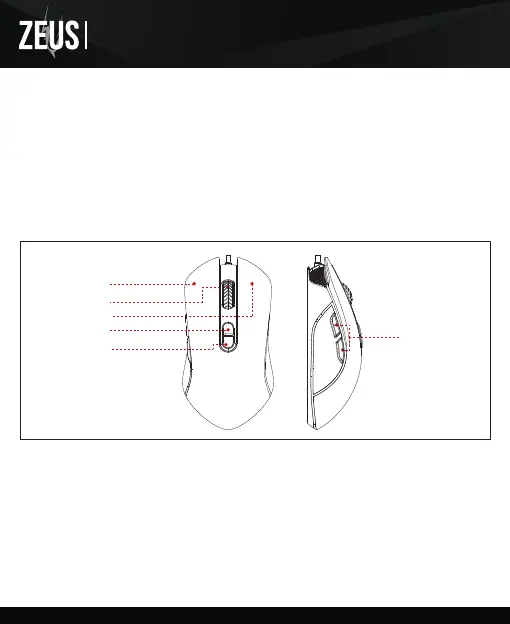
Left Key
Right Key
DPI Key
Middle Key
Forward
Backward
<English>
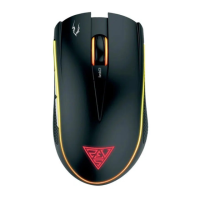
Thank you for choosing ZEUS E3 optical gaming mouse by GAMDIAS™. The GAMDIAS™ ZEUS E3
optical gaming mouse employs premium micro-processor complemented by 3,600 DPI precision-perfect
optical sensor. Providing not only impeccable stability, the 7 Key design enables all combo execution
without the need of driver installations.
● Windows ® XP/ Vista /7 /8 /10
● PC with USB port
System Requirements
ZEUS E3 Default Settings
Registering Your GAMDIAS™ ZEUS E3 Optical Gaming Mouse
Please visit www.GAMDIAS.com for online product registration.
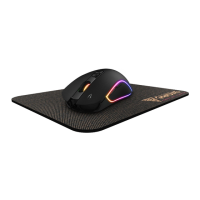
● GAMDIAS™ ZEUS E3 Optical Gaming Mouse
● GAMDIAS™ NYX E1 Gaming Mouse Mat
Package Contents
e1
E3
Optical Gaming Mouse
Combo Key


 To Next Page