6
IMPORTANT
Follow the steps in order for
quickest setup.
STEP 1
Display
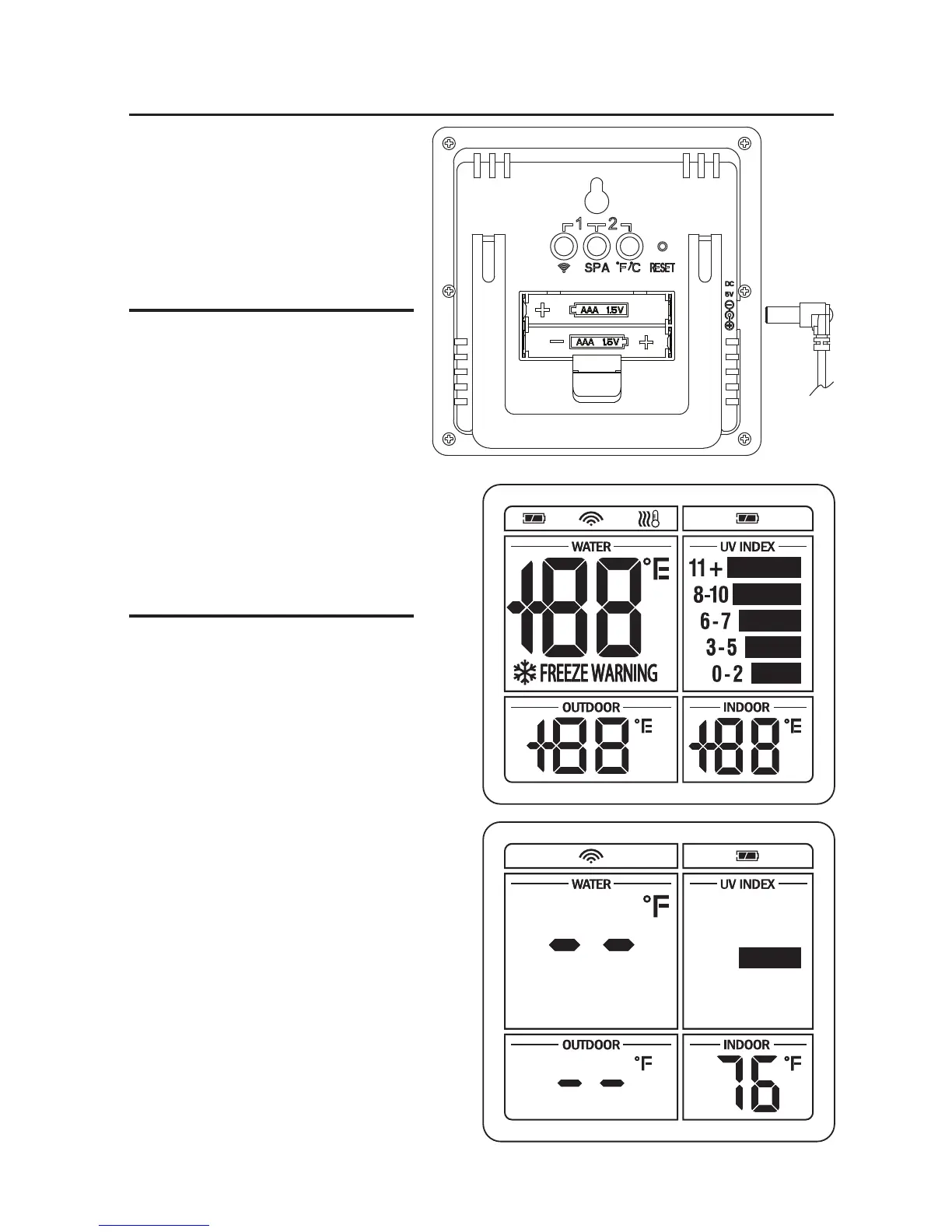
Connect the power supply to
the display and wall.
All LCD segments will show for
several seconds.
STEP 2
OPTIONAL
Remove battery compartment
door. Insert batteries.
Display unit is searching for signals
from the remote outdoor sensor and
thermometer. Dashes on the display
will blink as it searches.
Getting Started


 To Next Page