7
Getting Started
STEP 3
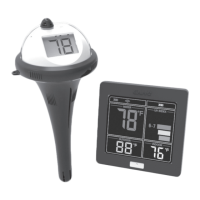
Thermometer
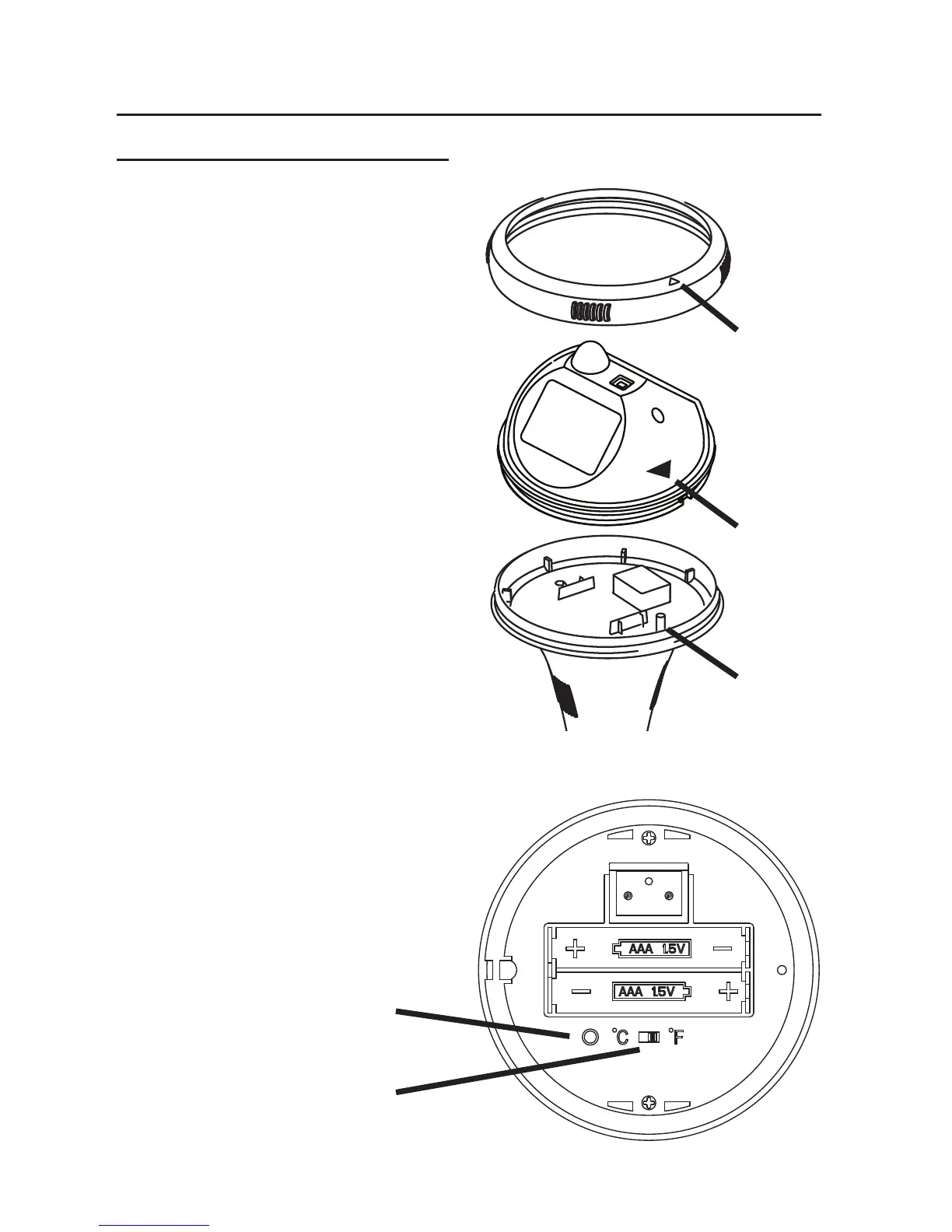
1. Unscrew ring and remove top.
2. Insert batteries.
3. Move switch to select °F or °C.
4. Press TX switch.
5. Replace top, aligning blue arrow
to blue peg. NOTE: Top fits onto
the peg and only fits one way.
Do not force fit it.*
6. Replace ring. Turn ring until tight
and the arrows are aligned.
* If the top and stem are not assem-
bled correctly, the product may leak
and become damaged.
NOTE:
Display will show “Lo” when the
display is not connected to the stem.
Once connected, the temperature will
appear after a few seconds.
TX Button
°F/°C Switch
Ring
Arrow
Arrow
Peg


 To Next Page
 Loading...