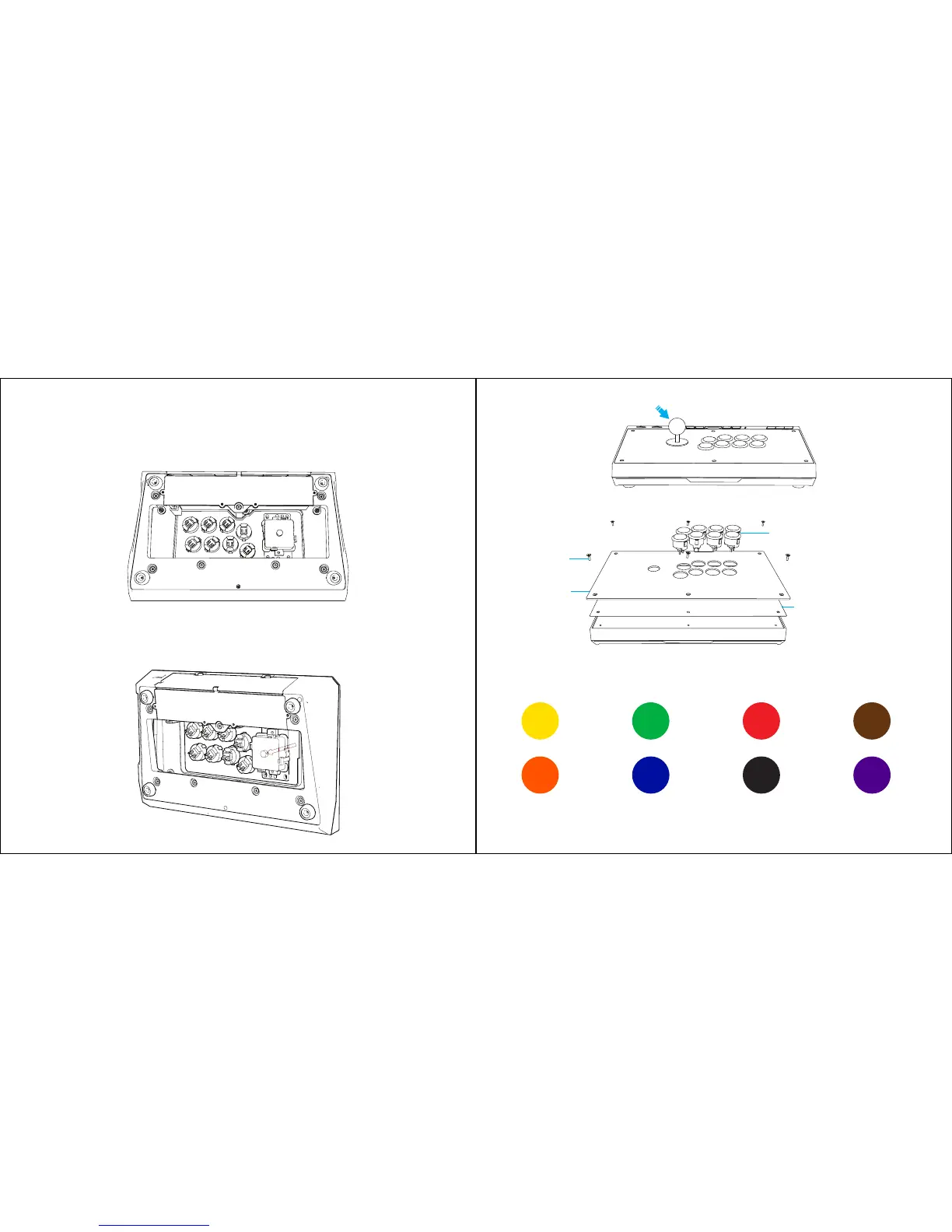
PANEL WALLPAPER REPLACEMENT
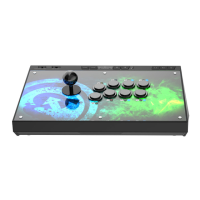
a. Take out the hex screw driver from the storage space at the back of the GameSir C2 arcade
fightstick.
b. Unscrew the 7 screws at the bottom of GameSir C2 arcade fightstick and remove the base plate.
c. Disconnect all cables from the buttons and press the plastic tabs on each side of the buttons to
remove all buttons from the top panel.
d. Use a flat screw driver to secure the center shaft at the bottom of the joystick. Then rotate off the
small ball at the top of the joystick.
e. Unscrew the 6 screws on the top panel and remove the top panel.
f. Replace the panel wallpaper.
g. Install the top panel, action buttons and top screws.
h. Reconnect the correct color cable to the button according to the following cable assignment label.
Yellow
Orange
LB
LT
RB
RT
Y
B
X
A
Blue Black Purple
Green Red Brown
Top Panel
Action Buttons
Screws
Replaceable Panel Wallpaper
i. Install the base plate and screws.


 To Next Page